A fashion webshop with size guides, colour photos and easy returns, made for your collection

A fashion webshop on SitePack shows every piece in the sizes and colours you have, with a photo for each colour. Link a size guide from your products, explain returns on its own page, run end-of-season sales with promo prices, and measure your Instagram ads with the Meta Pixel app.

  • Website and online store in one
  • Domain, mailbox and payments included
  • Fourteen days to try it

Fourteen days to try it. No payment details needed for the first version.
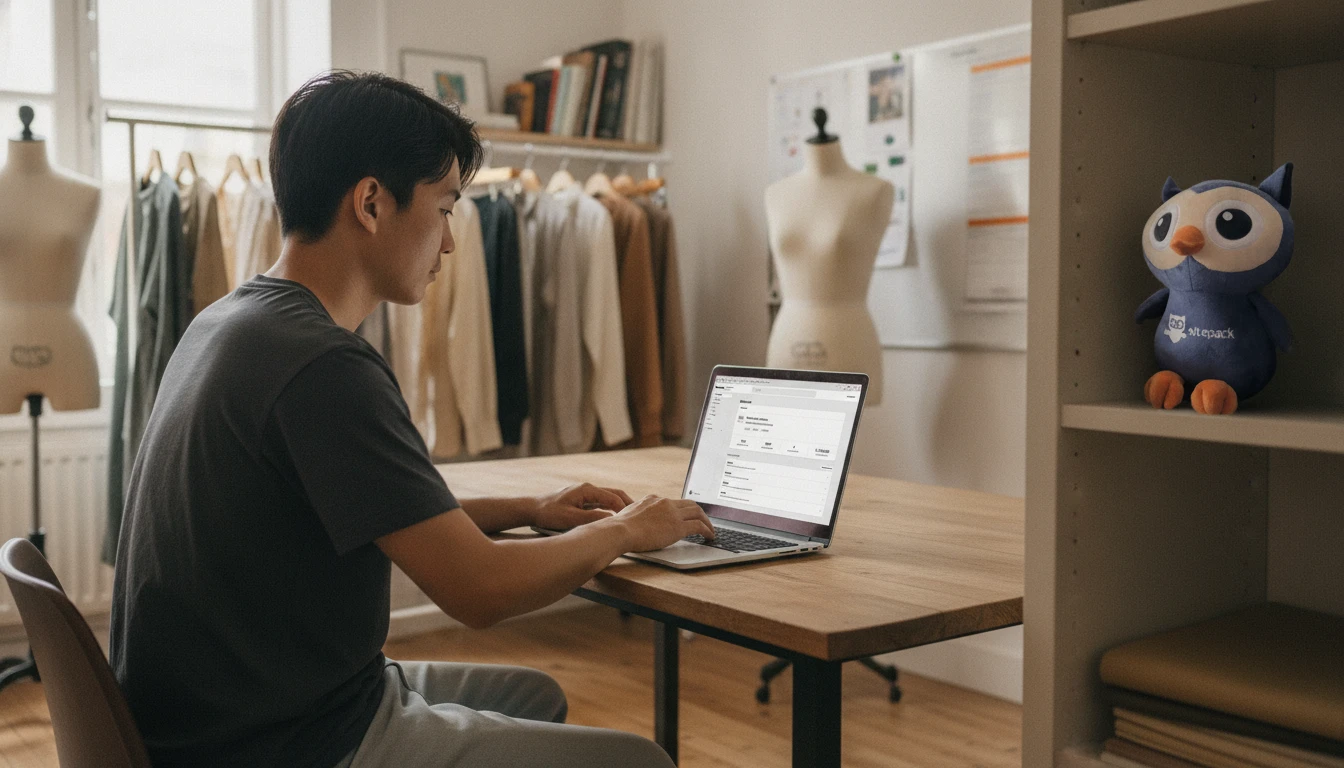
A fashion webshop with size guides, colour photos and easy returns, made for your collection
from €25 per month, everything included
14 days free to try, then you choose
100% hosted and built in the EU
1 platform site, payments, domain and mail
What you get from us

Everything for your online start, in one place

No stitching separate tools together. Site, shop, domain, mail and payments work together from the start.

Website and shop in one

Manage your pages and your sales from the same dashboard, without separate tools.

Domain, mail and hosting

Your domain name, professional email and fast EU hosting are included as standard.

Payments ready to go

Credit card and European payment methods work from day one, without complicated integrations.

Drag-and-drop editor

Build pages visually. What you see is exactly what you publish.

Templates that grow with you

Start with a sharp design and adjust everything to your own brand.

Team in Europe

Support from real people, in your time zone and your own language.

For clothing brands and boutiques

Fit, colour and returns sorted before the checkout

From new collection to end-of-season sale

People who buy clothes online wonder two things: will it fit, and can I send it back? A shop that answers both on the product page saves you a lot of questions.

Each item becomes one product with size and colour as variants, and every variant has its own stock, SKU and photo, so picking green shows the green version. A size guide page with measurements per size, linked from the product description, answers the fit question up front. Facets such as material, fit and season turn into filters on your category pages. For a new collection, publish its own category and tell your audience about it on the blog. At the end of the season, set promo prices so customers see the reduced price. Put your return period and exchange steps on a returns page, and let customers send an exchange request through a form that lands in the CRM. The Exit popup app turns visitors who are about to leave into newsletter subscribers, and the WhatsApp app adds a chat button for quick questions about fit.
  • Size and colour variants
  • A photo per colour
  • Size guide pages
  • Filters on material and fit
  • Promo prices for sales
  • Returns and exchange requests
  • Newsletter sign-ups with Exit popup
  • Instagram ads tracking
How it works

How you start

  1. Try it for fourteen days

    Build your site or store in full and see whether it fits the way you work. No payment details needed for the first version.

  2. Build it

    Shape your pages and products in the editor until the site reads like your business. Bring an existing site across and we help.

  3. Attach your domain

    Use the domain that comes with your package, or move one you already own.

  4. Go live

    Publish, start selling and follow your orders and payouts from the same place you built it.

Get started right away

Pick where you begin. Moving from a website to an online store later works without rebuilding anything.

For a business that wants to be found

Build a business website

Pages, a blog and contact forms, with your own domain name and mailbox attached.

  • Put pages together and edit your own text
  • Domain name and mailbox included
  • Hosting, updates and security are ours
Start your website
For selling products

Open an online store

Everything the website does, plus products, stock and a checkout that is already part of it.

  • Unlimited products, variants and discounts
  • Credit card, PayPal, direct debit and more
  • Orders and payouts in one overview
Start your store

See what the packages cost first

Questions from fashion brands

How do I add a size guide?
Create a size guide page with measurements per size and link it from your product descriptions. If your jeans fit differently from your tops, make a guide per category.
Does every size and colour have its own stock?
Yes. Each combination of size and colour is a variant with its own stock, SKU and price. When medium in black sells out, the other sizes and colours stay available.
Do customers see the right photo when they pick a colour?
Yes. Give each variant its own image. When a customer picks a colour on the product page, they see that version of the item.
How do I handle returns and exchanges?
Write your return period and steps on a returns page and in your terms. For exchanges, add a form where customers enter their order number and the size they want. Requests land in the CRM.
Can I run an end-of-season sale?
Yes. Set a promo price on the items in the sale, and customers see the reduced price. Remove it when the new collection comes in.
Can I see which Instagram ads bring in orders?
Yes, with the Meta Pixel app. It tracks visits and purchases from your Facebook and Instagram ads once visitors give marketing consent. For Google Analytics, add the Google Tag Manager app.

Ready to get started?

Create your account and build your website or online store today. Fourteen days to try it, then pick a package or cancel.

Cookie preferences

Cookies help us provide, protect and improve our products and services. By using our website, you agree to our use of cookies.