Tandem Free
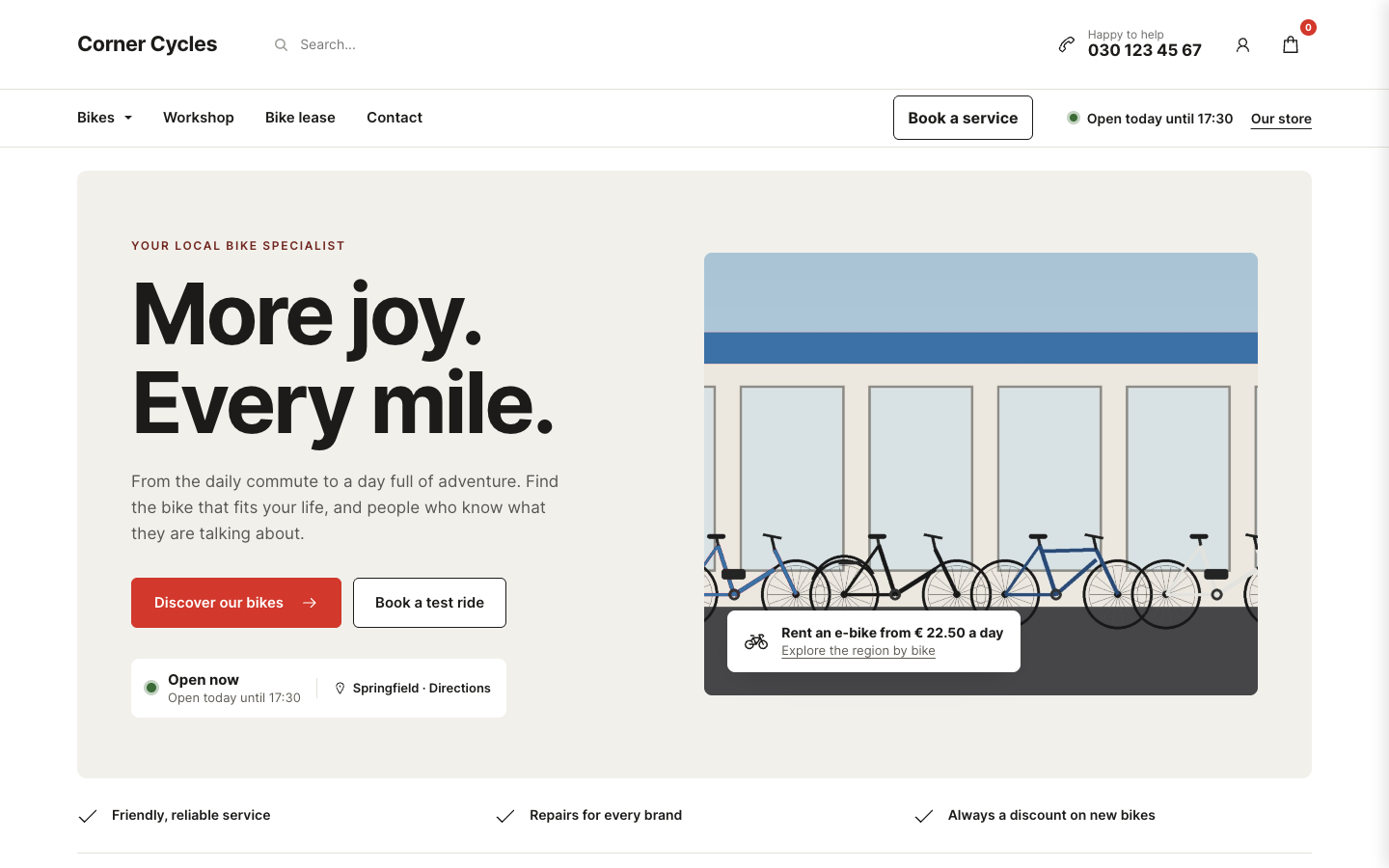
Tandem gives a bike shop that sells online and in its own store a calm, confident web shop: warm stone surfaces, tight bold titles and one strong colour for the main action. Your opening hours, services and store take centre stage, and every text, photo and colour is yours to set.
About this theme
Tandem is made for bike shops and other specialist retailers that sell online but are proud of their own store and workshop. It has a calm, editorial look: warm stone surfaces, large bold titles in sentence case, thin lines, small corners and one strong brand colour reserved for the main action.
The header puts a large search field and your phone number up front, and the menu row shows a live opening status ("Open today until 17:30") from your location's opening hours. The home page opens with a rounded panel: your title, a main and a second button, an open-now card that switches to "Closes in 30 minutes" or "Closed now", and a photo with an optional promo card, for example for bike rental. Below it come your selling points, category tiles (or your own tiles, such as a used bikes tile), a row of brand names or logos, your products, three service cards for the workshop, test rides or rental, and a store block with a photo, this week's opening hours and a route button. A second product row, a story photo, events, reviews, app posts, blog posts and a newsletter sign-up are ready to switch on. You choose the order, and any section can be hidden.
Category pages show the category name and description with an optional help card, the sub-categories as chips, filters with an advice card underneath (for example frame size), and an optional band under the products. Product pages show a gallery with the key specifications under the photo, options and variants, an extra button under Add to cart that you set yourself (for example "Book a test ride", only for the categories you choose), your selling points as a check list, an advice block with your phone number, your product sections, specifications, service cards and an invitation to visit the store.
Everything the theme shows comes from your own SitePack data: categories, products, selling points, locations, events, reviews, blog posts and newsletter. All home page texts and photos are fields in the template editor, and every colour, corner radius, logo size and the page width is a setting, so Tandem follows your brand.
Key features
- Calm, editorial look Warm stone surfaces, bold sentence-case titles and one strong colour for the main action keep the focus on your bikes.
- Live opening status The header and the home page show whether your store is open now, closing soon or closed, straight from your location's opening hours.
- Your own button under Add to cart Add a button such as Book a test ride or Plan a viewing under Add to cart, with your own text, link and icon, for every product or only for chosen categories.
- Store block with opening hours A photo of your store next to this week's opening hours, today in bold, a route button and your address.
- Advice blocks on category pages Add a help card next to the category title, an advice card under the filters and a call to action under the products, without any code.
- Every colour is a setting Every colour, corner radius, logo size and the page width can be changed in the design settings, so the theme follows your brand.
Fully in your own brand
The colours in the examples are only a starting point. In the editor you set your own colours, fonts and logo, and they carry through to every page of the theme.
How to set it up
Tandem is ready in a few steps once your products and categories are in SitePack.
- Activate the theme Choose Tandem in the theme marketplace and activate it for your site.
- Assign the home template Open the home page in Pages, choose the template Home (Tandem) and fill in the texts and photos.
- Add your location Enter your address, phone number and opening hours under Settings > Locations, so the opening status and the store block appear.
- Set your colours and buttons Pick your colours and fonts in the design settings, and fill in the extra product button and the category advice blocks if you want them.
Frequently asked questions
Is Tandem only for bike shops?
It was designed for bike shops, but nothing in the theme is fixed to bikes. Any specialist store with a shop and a workshop or service desk, such as outdoor, scooters or e-steps, can use it with its own texts and photos.
Where does the opening status come from?
From the opening hours of your first location under Settings > Locations. The status is calculated in the visitor's browser, so it is always current.
How do I set the button under Add to cart?
In the design settings of the theme: fill in the label, a small line under it, the link and optionally an icon and the categories it should show in. Leave the label empty to hide it.
Can I change the order of the home page sections?
Yes. The home template has a section list: put the sections in the order you want, and leave one out to hide it. Sections without content hide themselves.
Which fonts work best?
Tandem is drawn for Inter for headings and body text. Manrope, Work Sans or Bricolage Grotesque for headings with Inter for body text also work well.
-
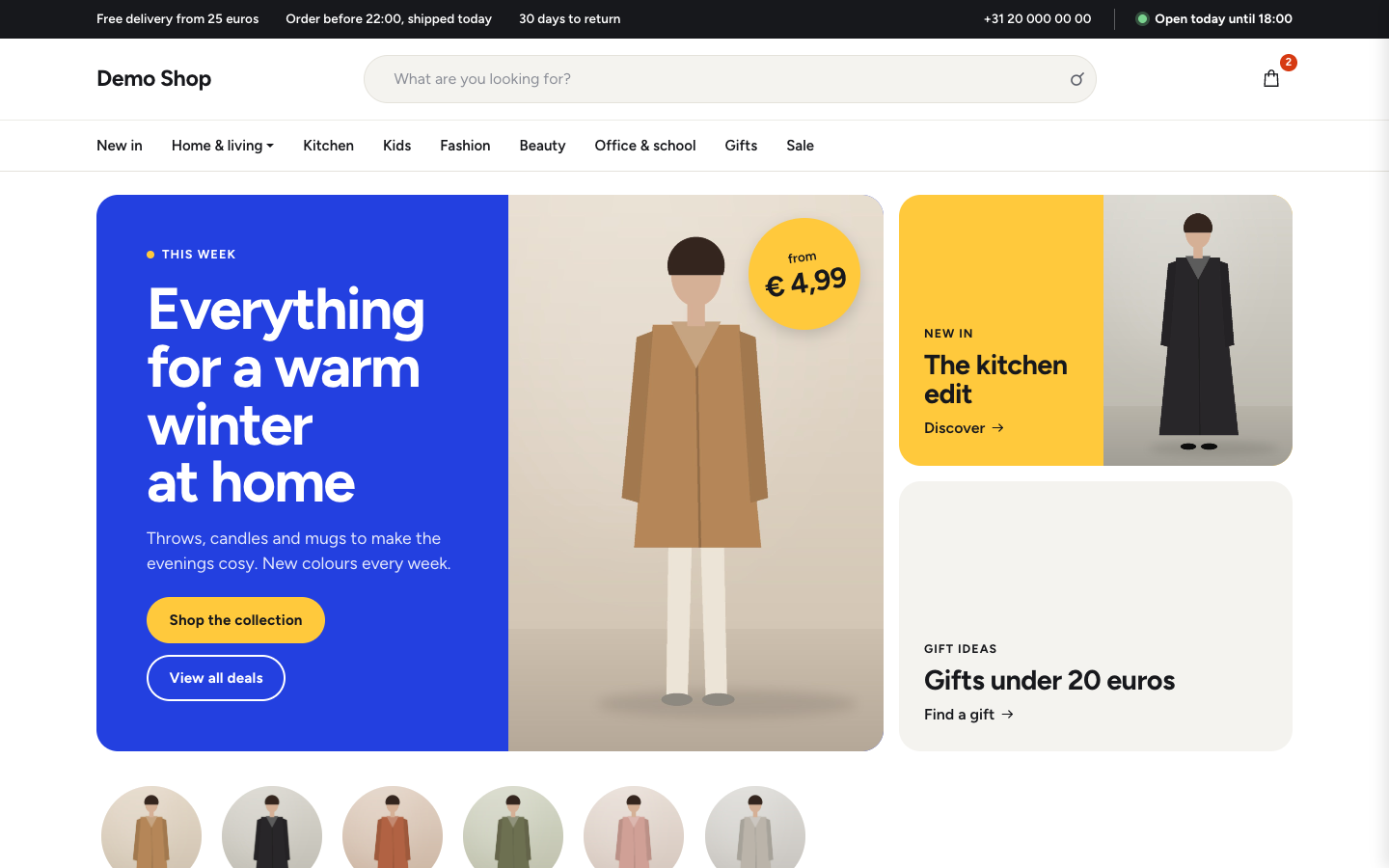 Aisle
New
Free
Bright department store theme for web shops with a broad range
-
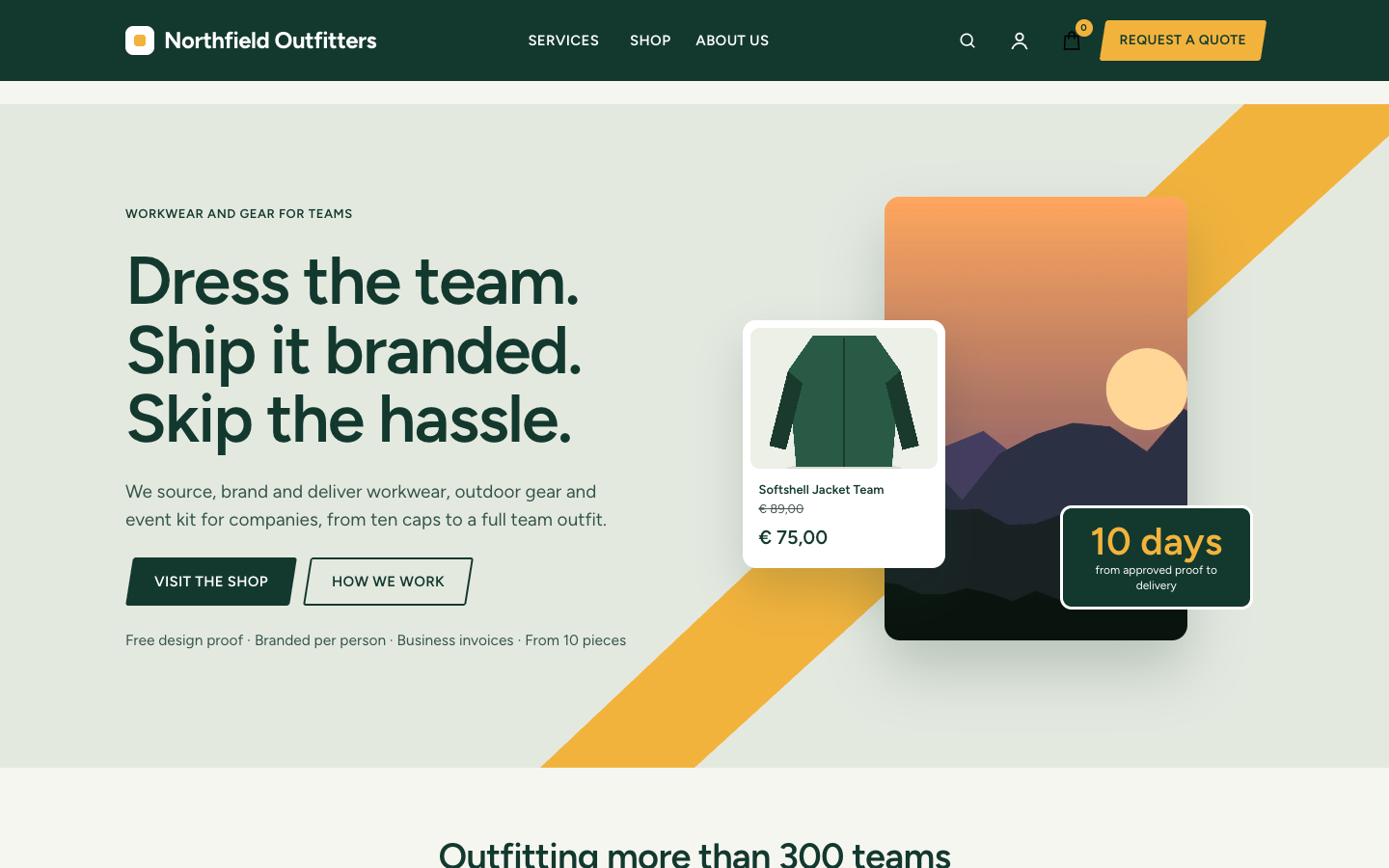 Ample
New
Free
A business theme that runs your company site and your web shop in one
-
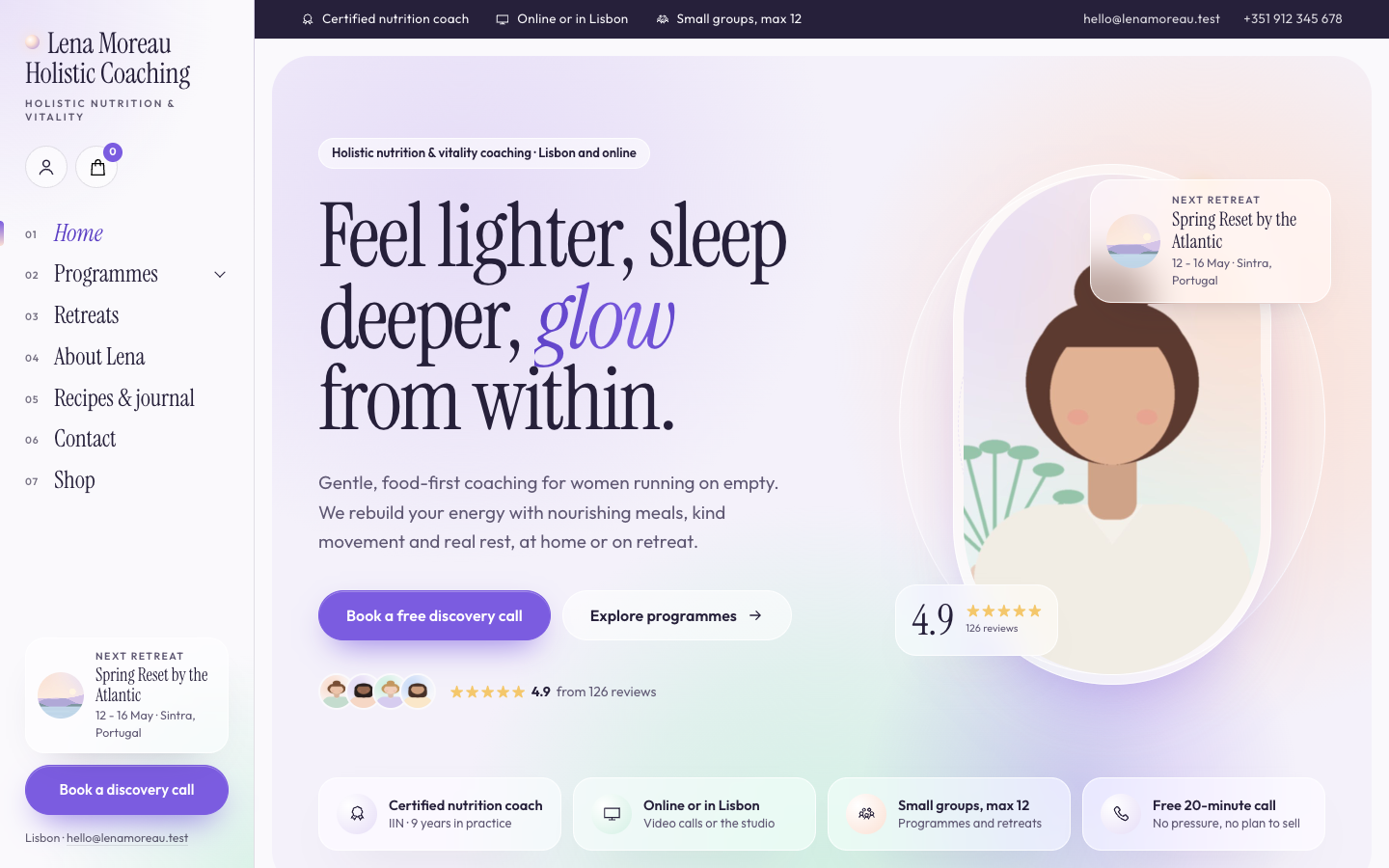 Aurora
New
Free
A luminous, dreamy theme for holistic and vitality coaches who host retreats
-
 Bloom
New
Free
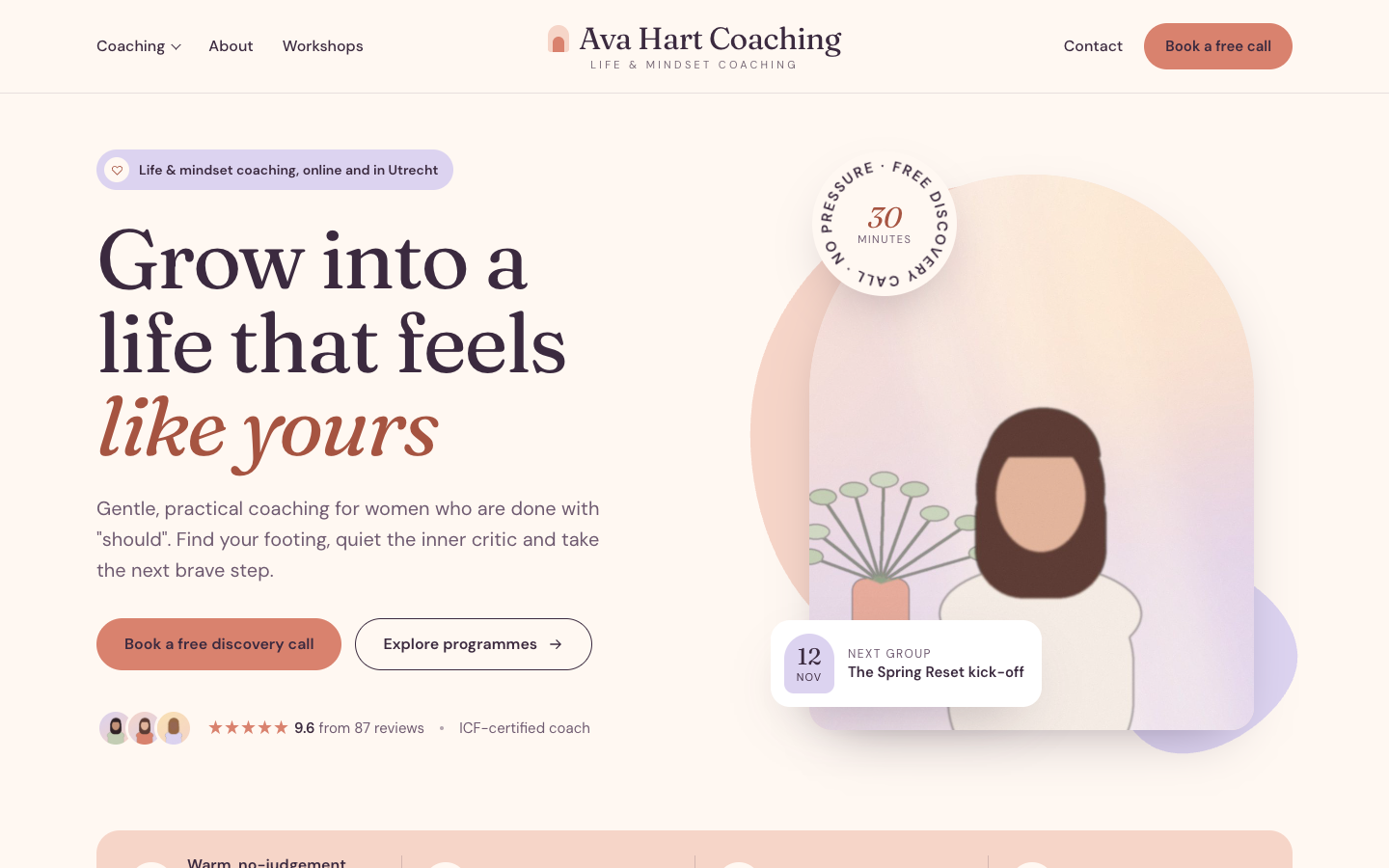
A warm, pastel website theme for life and mindset coaches
Pick a theme and launch your site today
Try SitePack free, choose a design and switch whenever you like.