Folio Free
Folio is a calm, confident portfolio theme for designers, developers, photographers and consultants. Show your work, explain your services and let people meet you in person.
About this theme
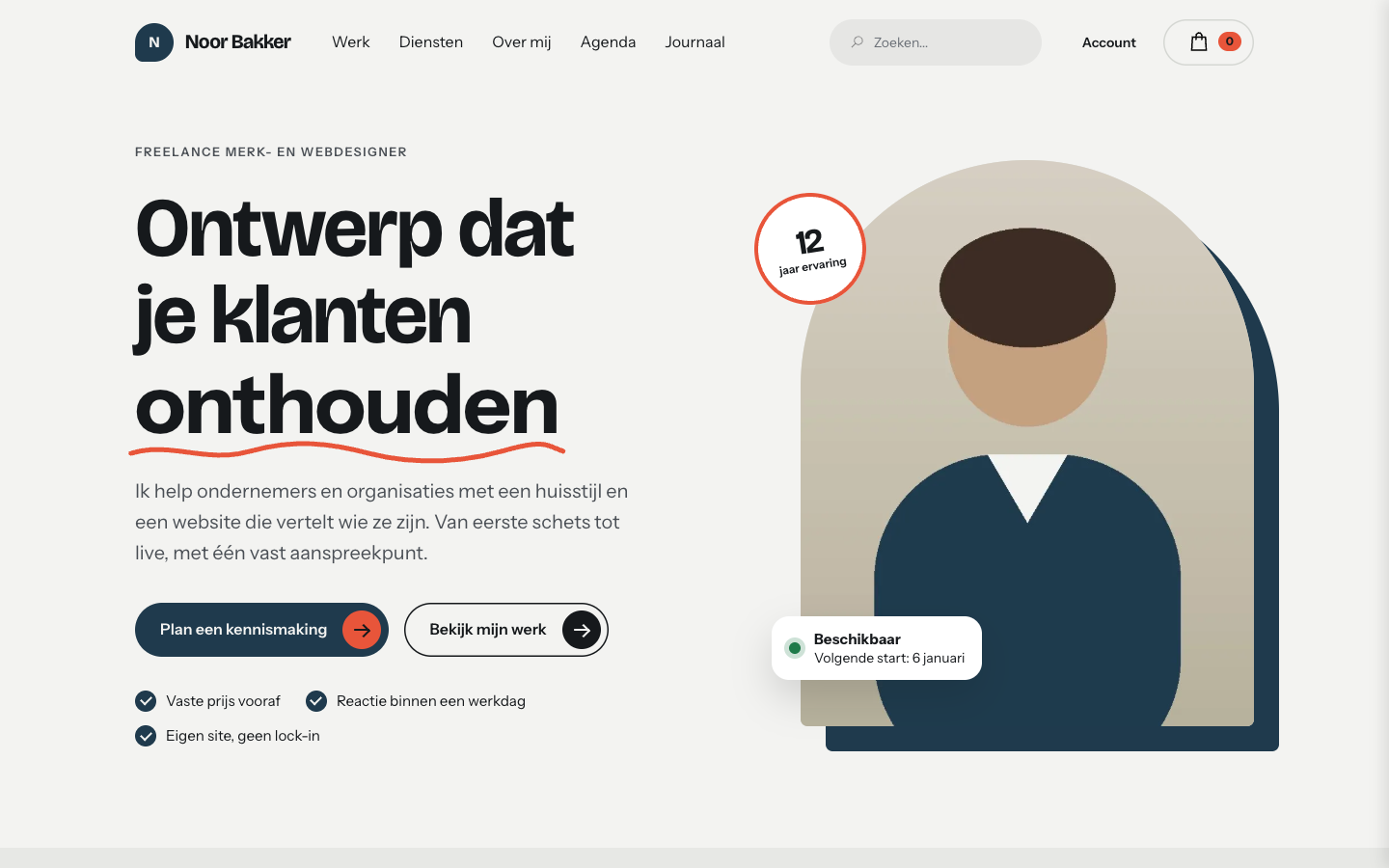
Folio is made for freelancers who sell their own skill: designers, developers, photographers, consultants and coaches. It gives you a clear home page with your portrait, your best work and the services you offer, in a calm grey look with one bold accent colour.
The home page is built from sections you can reorder or switch off: hero with portrait, client logos, recent work, services, promises, agenda, questions, blog, a closing call to action, your studio with opening hours and a newsletter sign-up. Sections without content hide themselves, so a new site never shows empty boxes.
Are you also selling something? Turn on the webshop and Folio adds a product row to the home page, plus search, account and cart in the header, and styled product and category pages. Without a webshop the header stays quiet.
Every colour, the corner radius and the page width are settings you control. Pill buttons with a round arrow, hand-drawn underlines in headings, round ticks and accordions give the theme its own character, and every page-builder element and the cookie bar follow the same look.
Key features
- Portfolio home page Portrait, client logos, recent work and services in one clear page.
- Agenda for workshops and meetups Events from your agenda appear as dated tiles on a dark panel.
- Optional webshop and cart Shop block, search and cart only show when the webshop is on.
- Hand-drawn heading underlines The last word of a heading gets a friendly underline, set per section.
- Fully adjustable colours Choose your own palette, radius and page width in the theme settings.
- Works from phone to desktop Header, sections and cookie bar adapt to small screens.
Fully in your own brand
The colours in the examples are only a starting point. In the editor you set your own colours, fonts and logo, and they carry through to every page of the theme.
How to set it up
Set up Folio in a few steps.
- Activate the theme Choose Folio as your theme and publish it.
- Assign the home template Open the home page and choose the template Home (Folio).
- Fill in the sections Add your portrait, projects, services and questions in the template fields.
- Add your content Add events, USPs, blog posts and a location in the admin.
- Set your colours Adjust the palette and shapes in the theme settings and pick your fonts.
Frequently asked questions
Who is Folio for?
Freelancers and small studios who show their work and sell their time: designers, developers, photographers, consultants and coaches.
Do I need a webshop?
No. The shop block, search, account link and cart only appear when the webshop is switched on.
Can I change the order of the home page sections?
Yes. The home template has a list field where you set the order. Leave a section out to hide it.
How do I show upcoming events?
Add events under Content > Agenda. The next ones show on the home page automatically.
Can I use my own colours and fonts?
Yes. All colours, the corner radius and the page width are theme settings, and fonts are chosen in the design settings. Folio is drawn for Bricolage Grotesque with Instrument Sans.
-
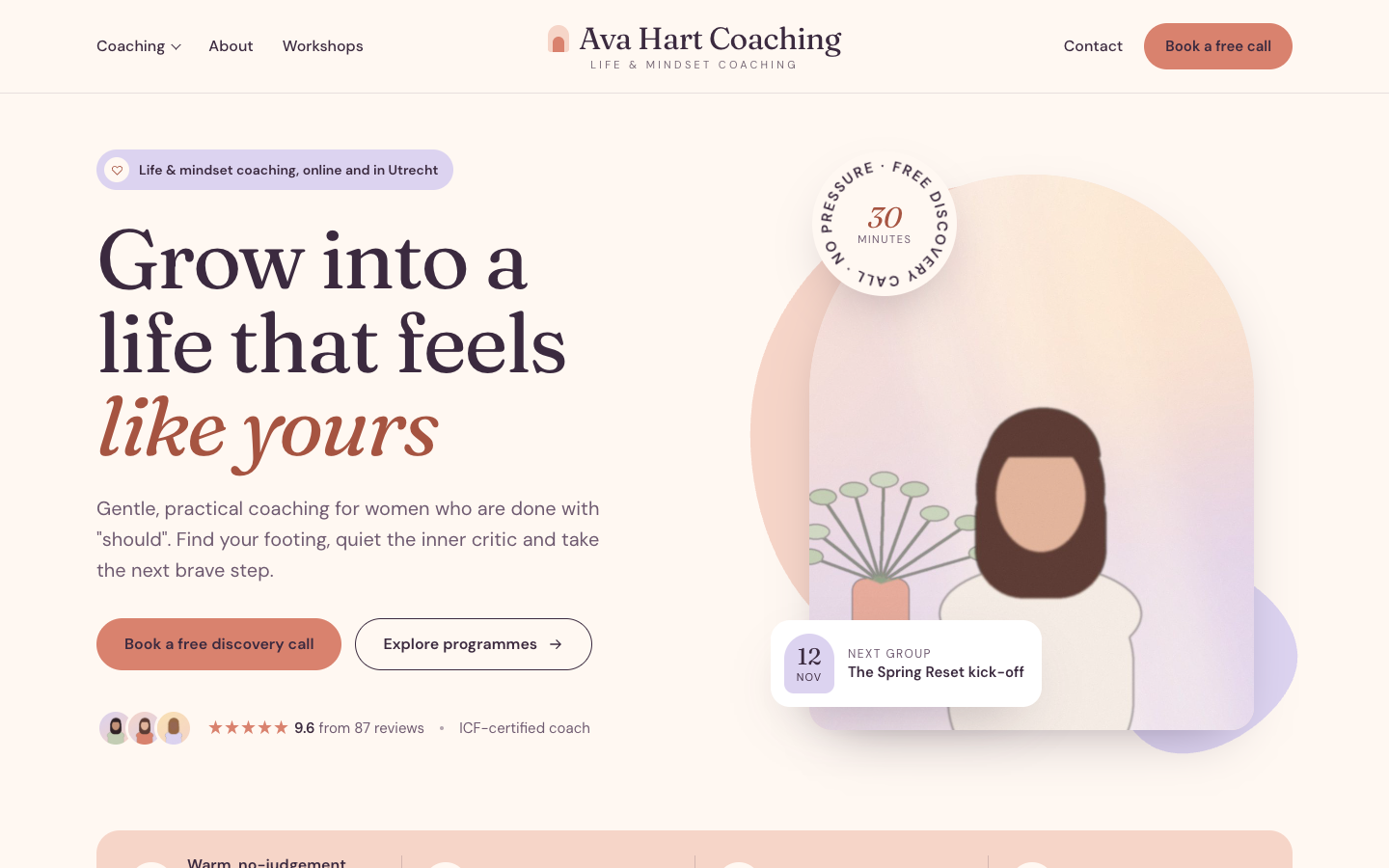 Bloom
New
Free
A warm, pastel website theme for life and mindset coaches
-
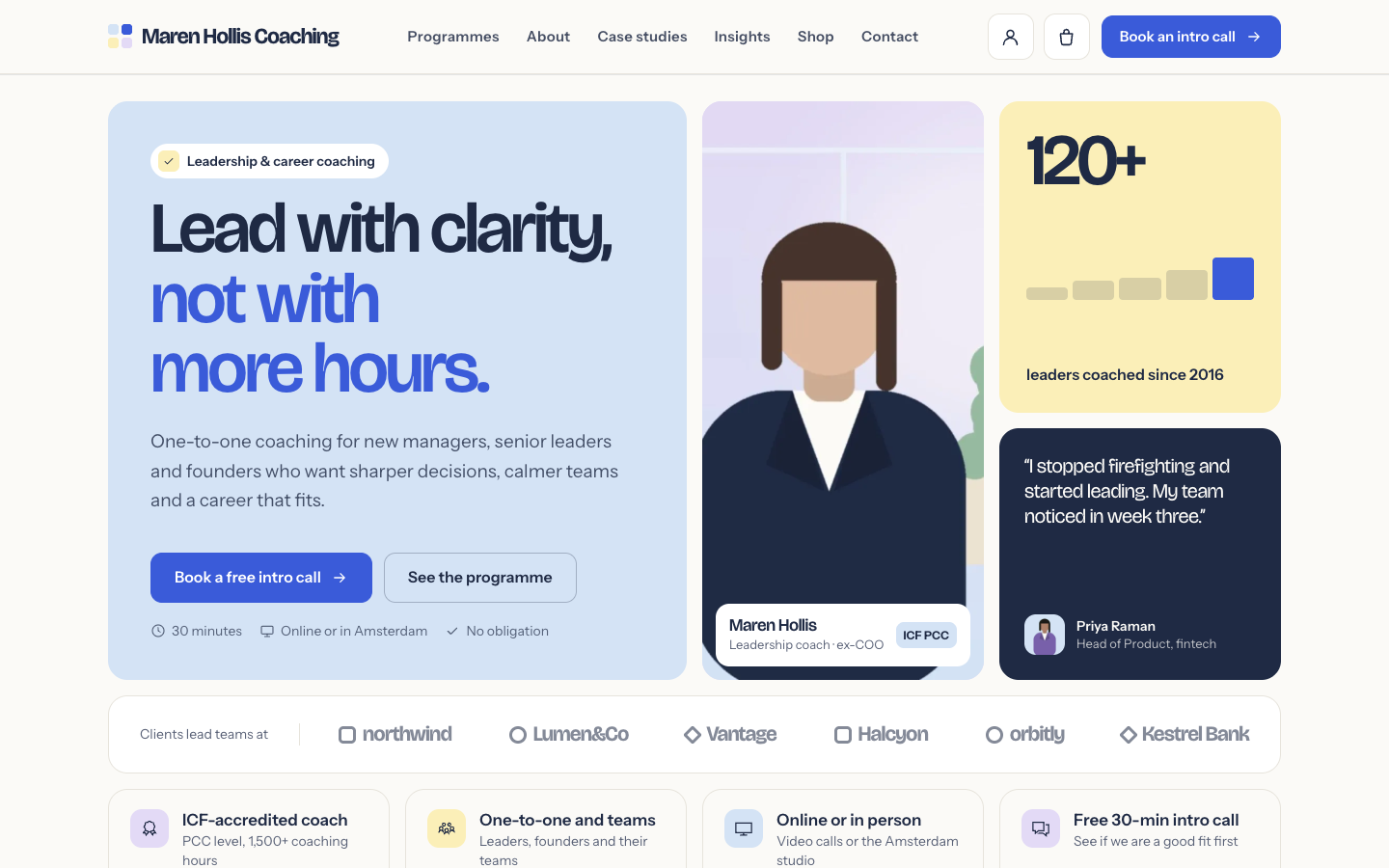 Clarity
New
Free
A structured bento theme for career, leadership and business coaches
-
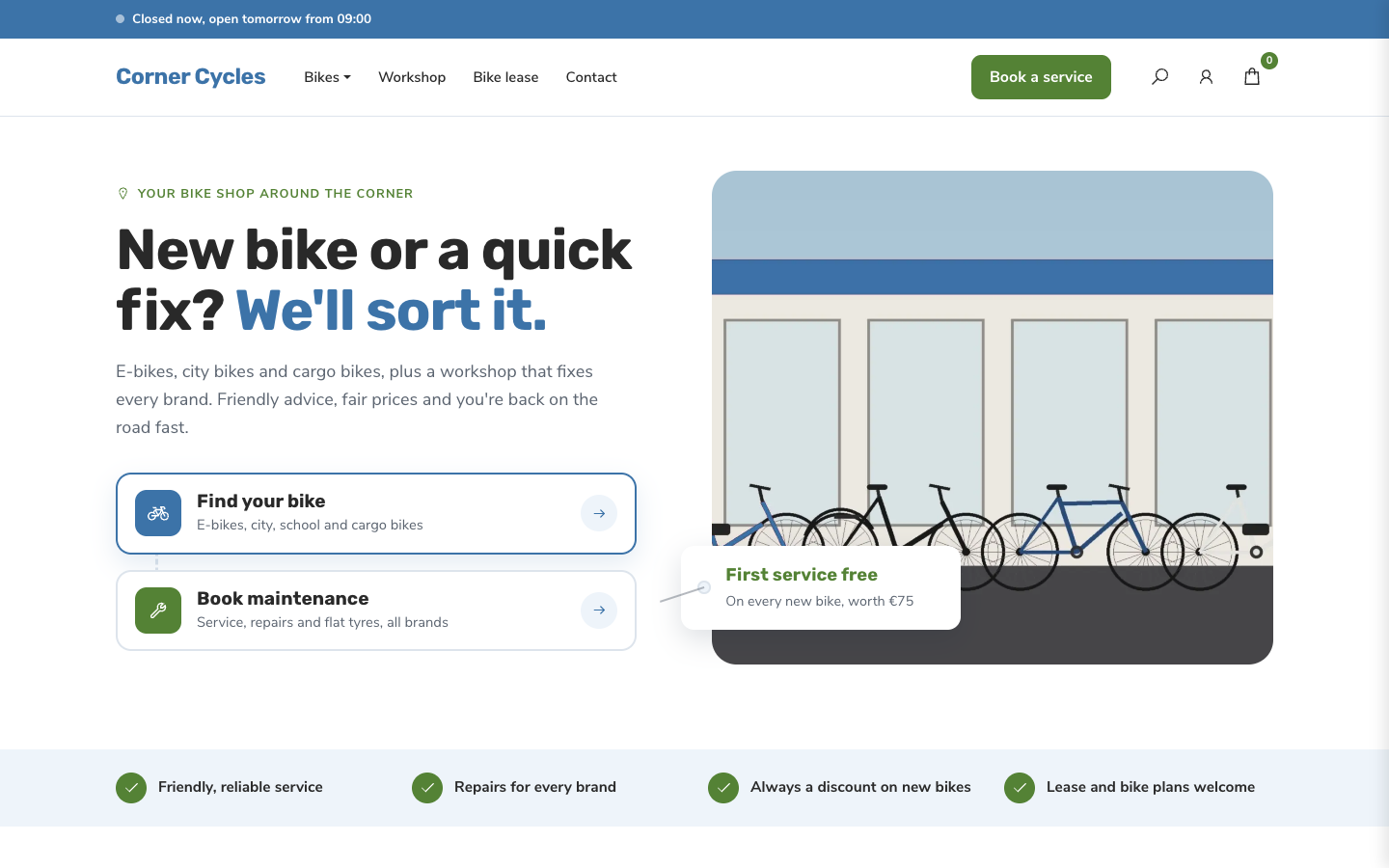 Freewheel
New
Free
A friendly, service-first theme for local bike shops and dealers
-
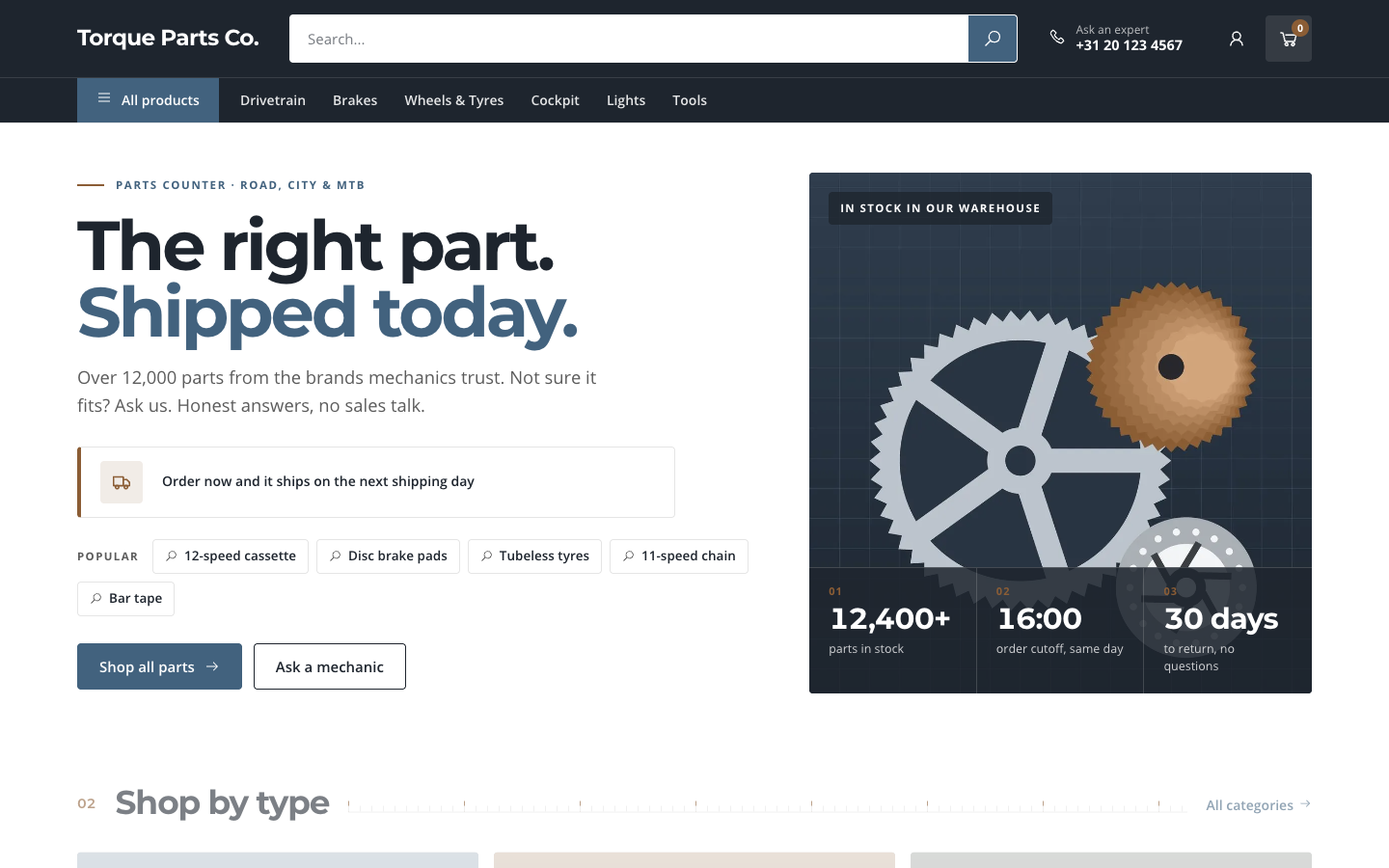 Gearbox
New
Free
A search-first catalogue theme for parts and spares web shops
Pick a theme and launch your site today
Try SitePack free, choose a design and switch whenever you like.