Gloss Free
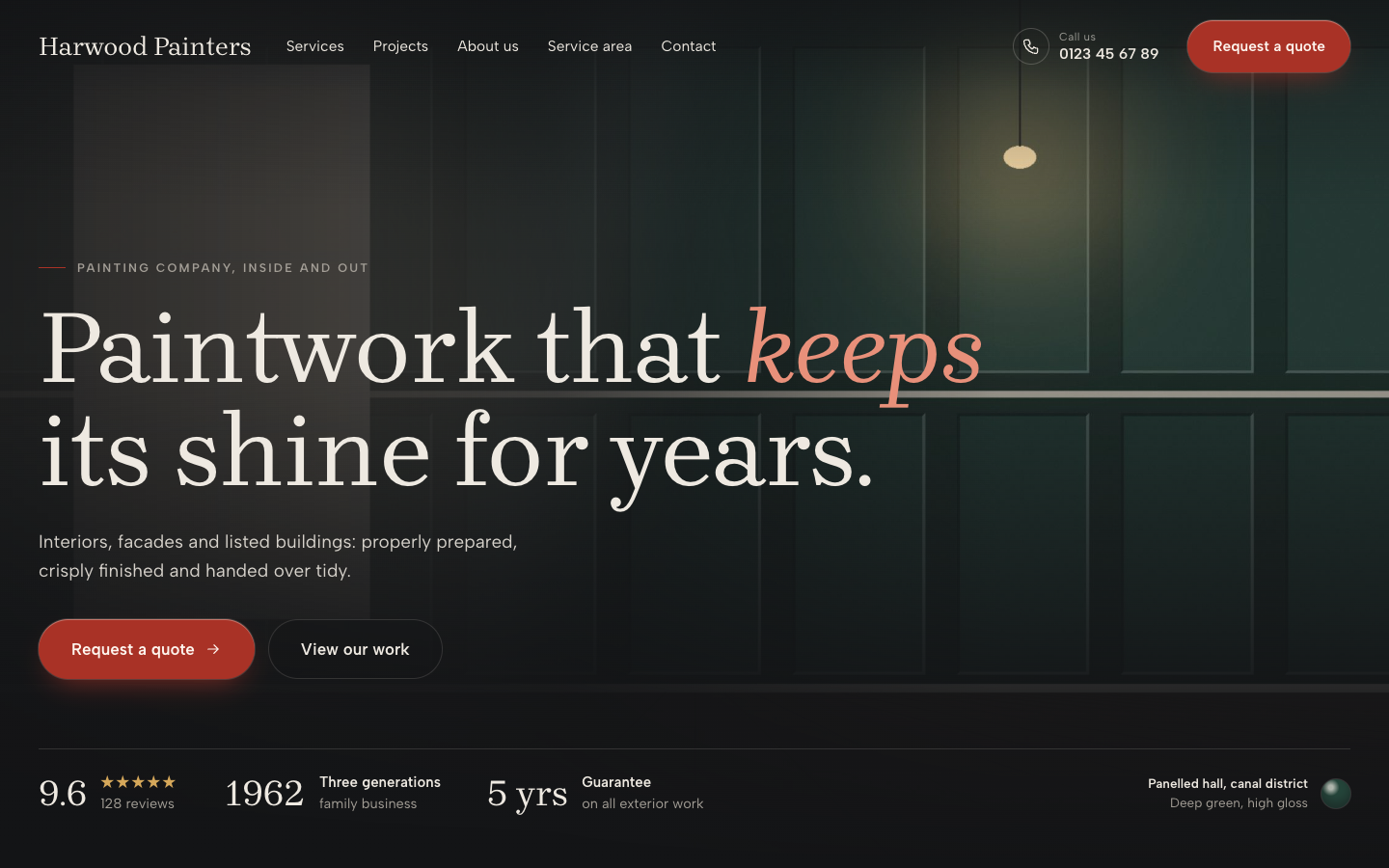
Gloss is a dark, editorial theme for painting companies whose best sales tool is their finished work. Full-bleed project photos, before and after sliders and a light quote form turn visitors comparing painters into quote requests.
About this theme
Gloss is made for painting and decorating companies that do the expensive work: high-end interiors, lacquer and spray finishes, wallpaper, restoration and listed buildings. It looks like a freshly lacquered door at dusk: ink and graphite backgrounds, one lacquer red accent, warm full-bleed photos and refined serif headlines with one word set in italic.
The home page opens with a full-bleed project photo, your review score, two facts of your choice and a caption with a glossy paint chip that names the colour and finish. Below it come four service cards, your latest projects with filter chips and a before and after slider on the first one, an about section with stats and team faces, reviews, certification logos, your service area with places as chips and an optional map, and a closing quote block. You choose the order, and every section hides itself when it is empty.
The quote form is the one light surface in the theme: four numbered questions with large tap tiles (inside or outside, which jobs, how big, contact details) that arrive in your inbox as a lead. Use it on the home page and on its own quote page with your reply time, three steps and up to four FAQ items.
Projects come from the free Portfolio app, which is installed automatically with the theme. The archive shows your work in a three-column masonry with category filters, and every project page has a full-bleed photo, a fact row, the story, a client quote, the before and after slider and a photo gallery.
The header sits transparently over the hero photo, shows your phone number and turns your button menu item into the lacquer quote pill. On phones a call and quote bar stays at the bottom. Every colour, the corner radius, the page width and the section spacing are settings.
Key features
- Your work in full-bleed photos The hero, project cards and project pages show your finished work edge to edge on a calm ink background.
- Before and after slider Drag the divider to compare before and after, on the home page and on every project that has both photos.
- Paint chip with colour name The hero caption carries a glossy colour chip with the colour name and finish, like a page from a colour book.
- Light, four-question quote form Inside or outside, which jobs, how big and contact details, with big tap tiles. Requests arrive as leads.
- Portfolio app included Projects with photos, gallery, facts and client quote come from the free Portfolio app, installed with the theme.
- Dark lacquer look, your colours Ink, graphite and one lacquer red accent by default; every colour, radius, width and spacing is a setting.
Fully in your own brand
The colours in the examples are only a starting point. In the editor you set your own colours, fonts and logo, and they carry through to every page of the theme.
How to set it up
Gloss fills itself from your projects and the data you already keep in SitePack. These steps get the home page, the portfolio and the quote page ready.
- Add your projects Open the Portfolio app and add your best jobs with a cover photo, category, place and summary. Add before and after photos where you have them.
- Assign the home template Open the home page, choose the Home (Gloss) template, pick a hero photo and fill in your facts, services and about section.
- Create the quote page Make a page for quote requests, choose the Quote page (Gloss) template and add your reply time, steps and frequently asked questions.
- Add the quote button Create a menu item to your quote page as the last item and set it to display as a button.
- Complete your details Add your location with phone number, the places you work in and your certification logos, so every section shows.
Frequently asked questions
Do I need to install an app for the projects?
No. Gloss needs the free Portfolio app and SitePack installs it for you when you activate the theme. Add your projects there, with a cover photo, optional before and after photos, a gallery, facts and a client quote.
Where do quote requests go?
The answers to the four questions and the contact details are sent to you by email and saved as a lead in SitePack, so you can follow up on every request.
When does the before and after slider show?
Whenever a project has both a before and an after photo. The first project on the home page and the project page then show the draggable divider; otherwise the cover photo is shown.
Can I change the order of the home page sections?
Yes. The home template has a section order field: list the sections in the order you want and leave out the ones you want to hide. Sections without content, such as reviews or certification logos, hide themselves.
Can I use my own colours instead of the dark look?
Yes. Background, text, surface, accent, link, quote form and header colours are all settings, as are the corner radius, page width and section spacing.
Which fonts does Gloss use?
You pick the fonts in your design settings. Gloss is designed for Brygada 1918 headings with Albert Sans body text.
-
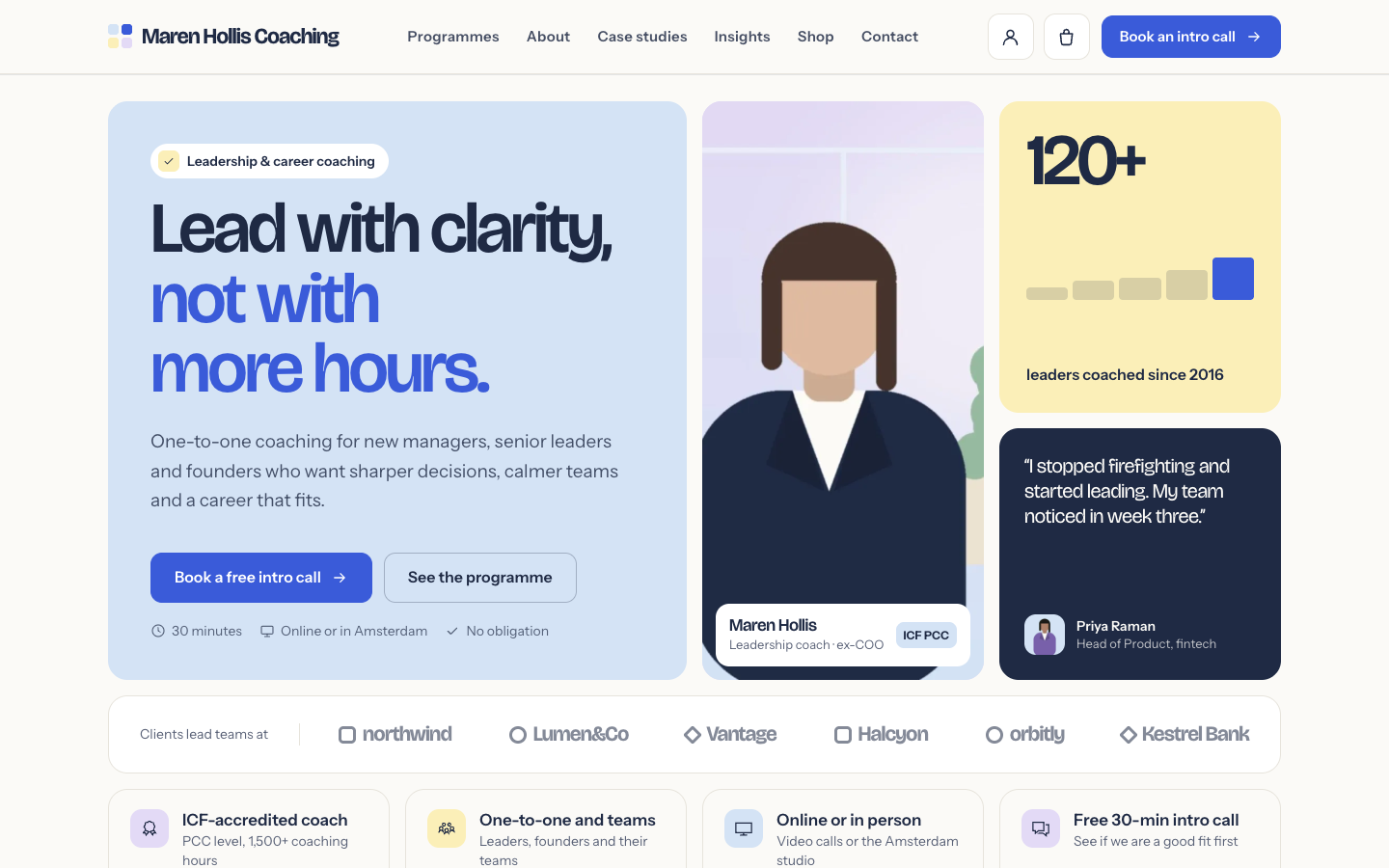 Clarity
New
Free
A structured bento theme for career, leadership and business coaches
-
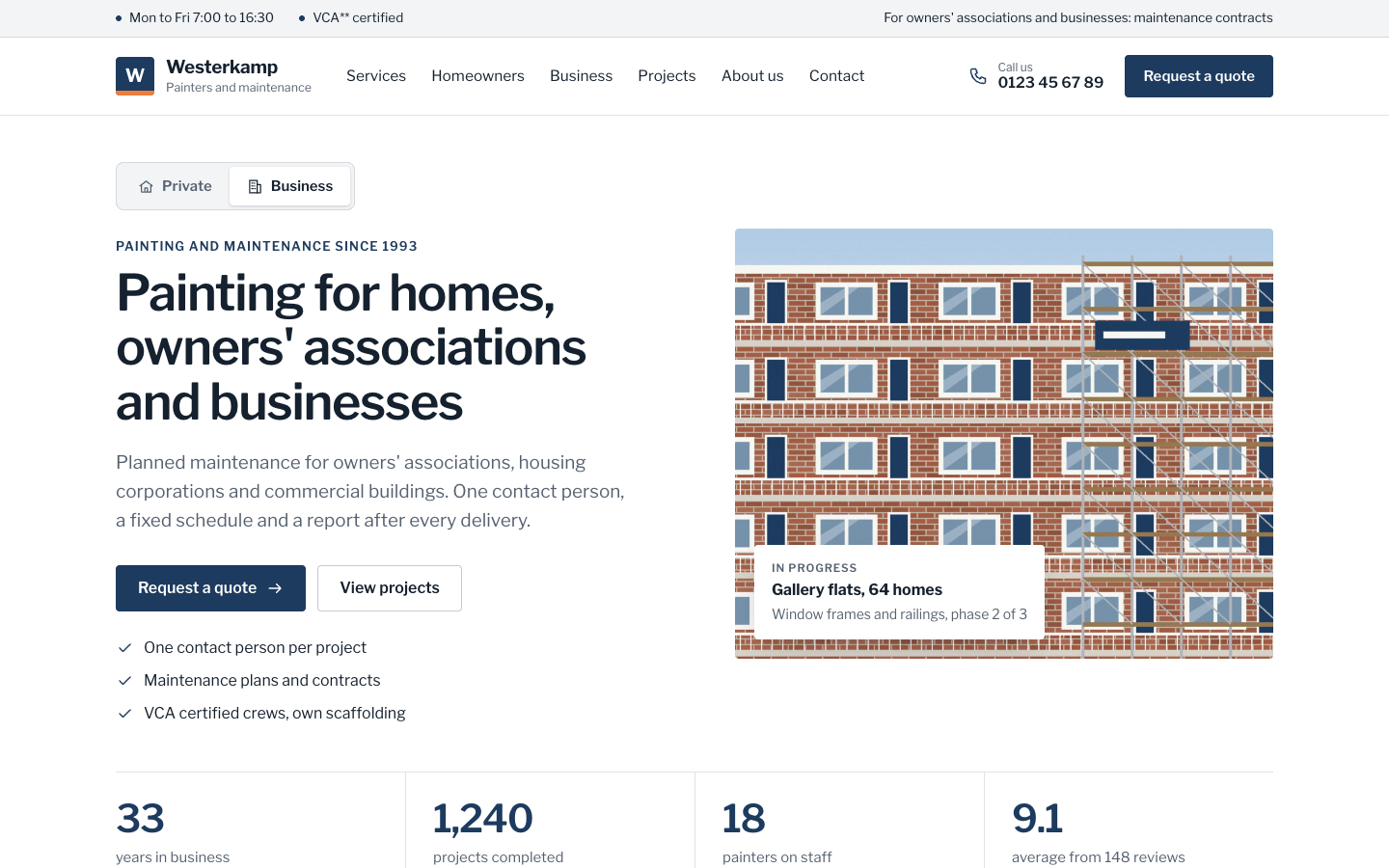 Coat
New
Free
A businesslike theme for painting companies serving homes and organisations
-
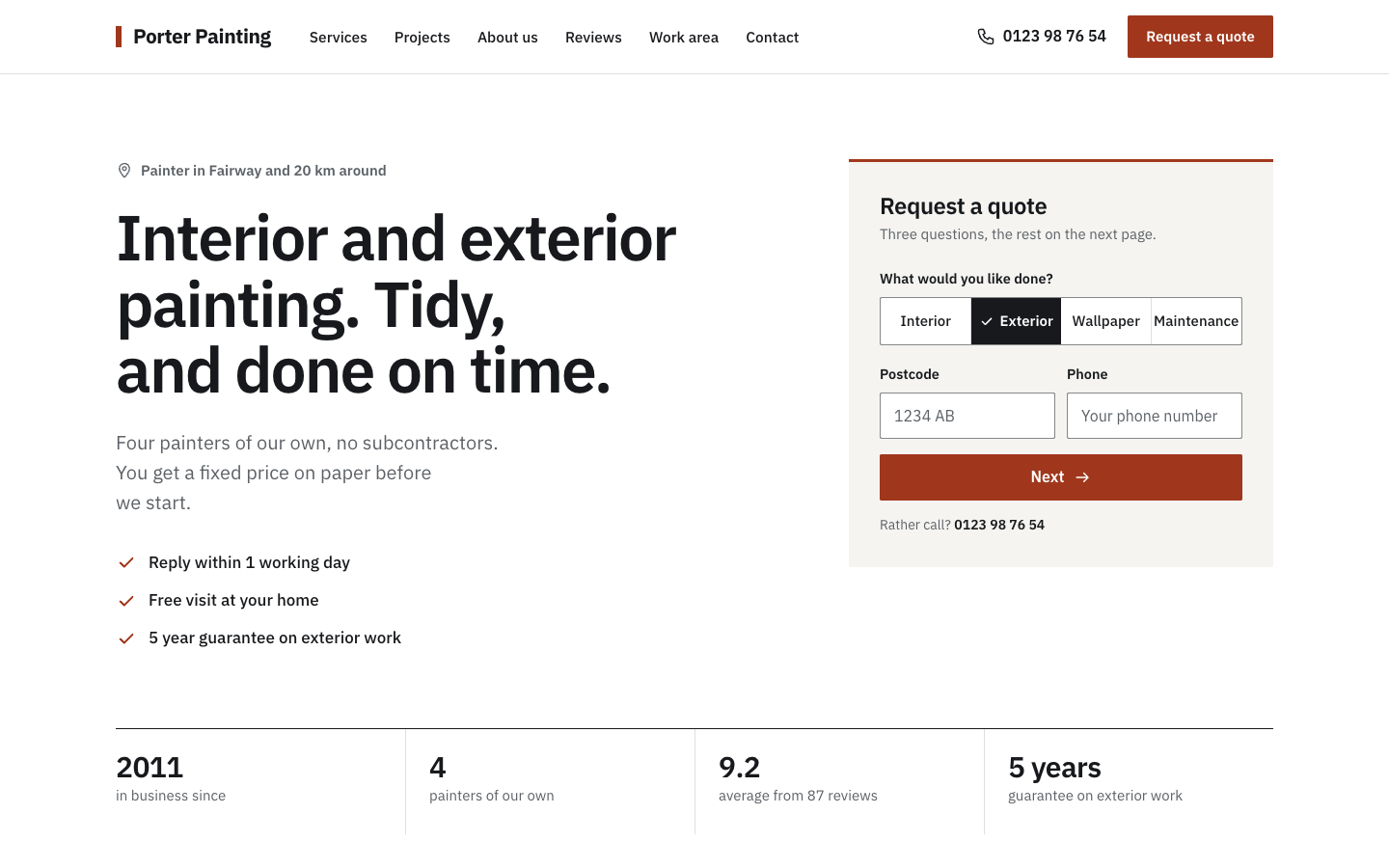 Sash
New
Free
A plain, businesslike website theme for small painting companies
-
 Tint
New
Free
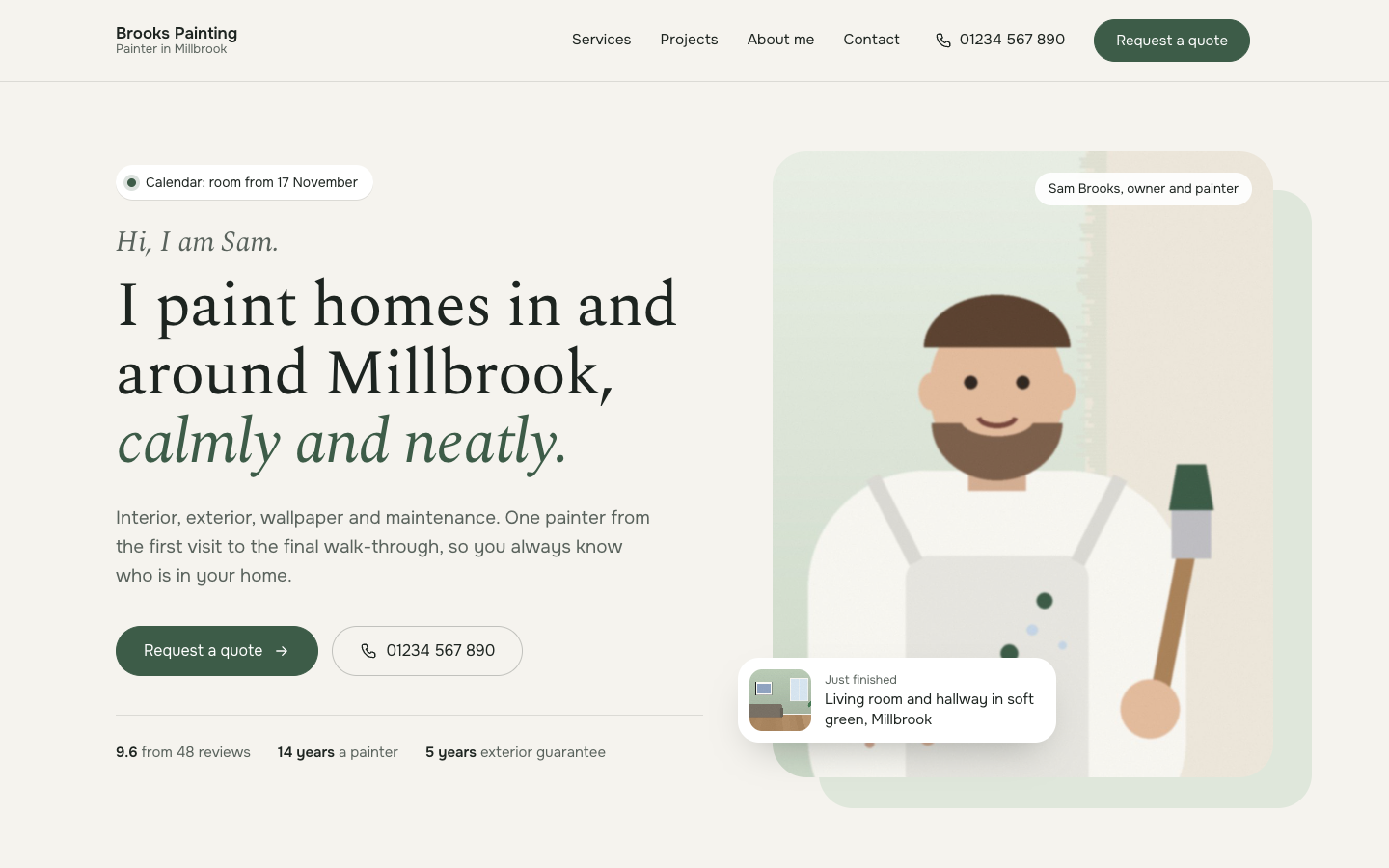
A calm, personal website theme for painters who work on their own
Pick a theme and launch your site today
Try SitePack free, choose a design and switch whenever you like.