Spoke Free
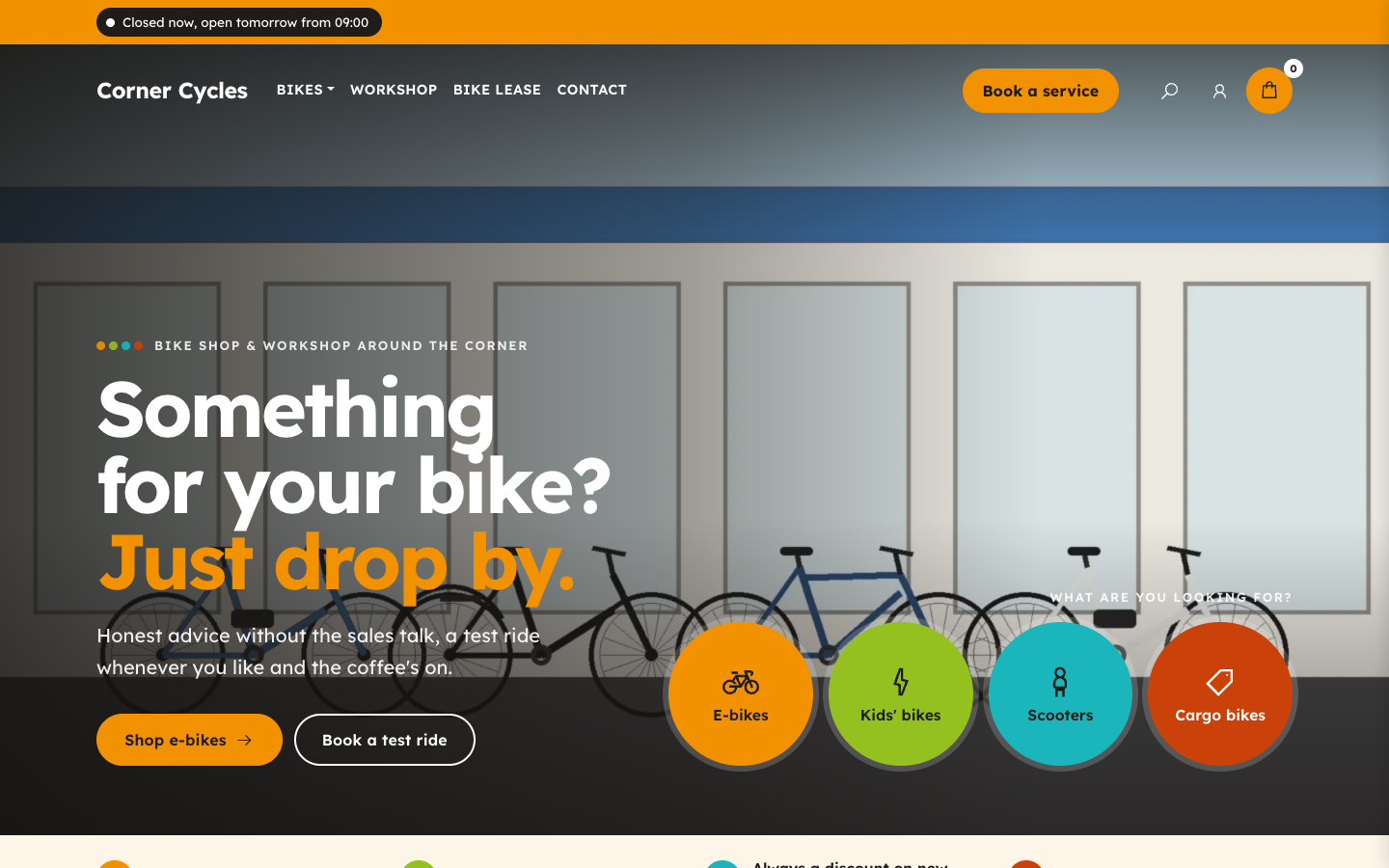
Spoke gives the local bike shop a bright, friendly web shop built from circles and wheels. Visitors jump to the right bikes from the first screen, book the workshop and see when your store is open.
About this theme
Spoke is made for local bike shops and dealers that sell bikes, e-bikes, parts and accessories and keep a workshop behind the counter. Its look is cheerful and clear: four wheel colours, round photo tiles, pill buttons and a laced wheel that turns slowly behind photos and bands.
The home page opens with a full-width photo under a see-through header, your title and two buttons, plus four colour circles as quick links to your main categories. Below it come your selling points, round category tiles, a product row, a dark workshop band with up to four services and their prices, a brand strip, a second row for deals, a visit panel with this week's opening hours, your reviews, the latest blog posts and a newsletter sign-up. You choose the order, and any section can be hidden.
Category pages open with a curved brand-colour header that frames the category photo in a wheel, a round sticker with the number of products and sub-categories as colour circles, followed by filters, sorting and a help card that calls your shop. Product pages show the photo with round thumbnails, variant chips, a buy box with an advice block and your first three selling points, key specs as round-icon cards, a band that invites visitors to see the bike in your store and related products.
Everything the theme shows comes from your own SitePack data: categories, products, selling points, blog posts, locations with opening hours, review score and reviews. Texts, service prices, brand names and logos are fields you fill in. Every colour, including the four wheel colours, the corner radius, the page width and the logo size are settings, so Spoke follows your brand.
Key features
- Four wheel colours Pick four colours that run through the quick links, category rims, icons and section dots.
- Quick links in the hero Four colour circles under the hero take visitors straight to your main categories or any page you choose.
- Workshop band with prices A dark band shows up to four workshop services with an icon, a short text and a price, plus two buttons.
- Live opening status The top bar and visit panel show whether you are open now, straight from your location's opening hours.
- Curved category header Each category opens with a brand-colour header, the category photo framed in a wheel and sub-categories as circles.
- Reviews from SitePack Your review score, recommendation rate and latest reviews appear automatically when you have them.
Fully in your own brand
The colours in the examples are only a starting point. In the editor you set your own colours, fonts and logo, and they carry through to every page of the theme.
How to set it up
Spoke works with the data you already keep in SitePack. These steps make the home page complete.
- Assign the home template Open the home page, choose the Home (Spoke) template and save.
- Add your store location Fill in your address, phone number and opening hours under Settings > Locations; the visit panel, opening status and advice block use them.
- Fill in the hero Upload a wide photo, write your title and intro, link the two buttons and set the four quick links or let them follow your categories.
- Set up the workshop Write the workshop intro and add up to four services with an icon, a short text and a price.
- Pick your colours Set your brand colour and the four wheel colours in the theme settings, then add brand logos or names for the brand strip.
Frequently asked questions
Can I change the order of the home page sections?
Yes. The home page template has a section order field: list the sections in the order you want and leave out the ones you want to hide. Sections without content, such as reviews, brands or blog posts, hide themselves.
What do the four colour circles in the hero link to?
Each circle has its own label, link and icon. Leave the label and link empty and the circle shows the shop category at that position instead.
Where does the opening status come from?
From the opening hours of your first location in Settings > Locations. The status is worked out in the visitor's browser, so it is always current.
Can I use my own brand colours?
Yes. The brand colour, accent, the four wheel colours, surfaces, header, bands and labels are all theme settings, and so are the corner radius, button shape, page width and logo size.
Do I need an online store?
The shop pages (categories, products, cart) need the online store. Without it, the home page still shows your workshop, brands, store, reviews and blog.
Which fonts does Spoke use?
You pick the fonts in your design settings. Spoke is drawn for Lexend, a font designed for reading ease, for both headings and body text, and it adapts to any other font pair you choose.
-
 Aisle
New
Free
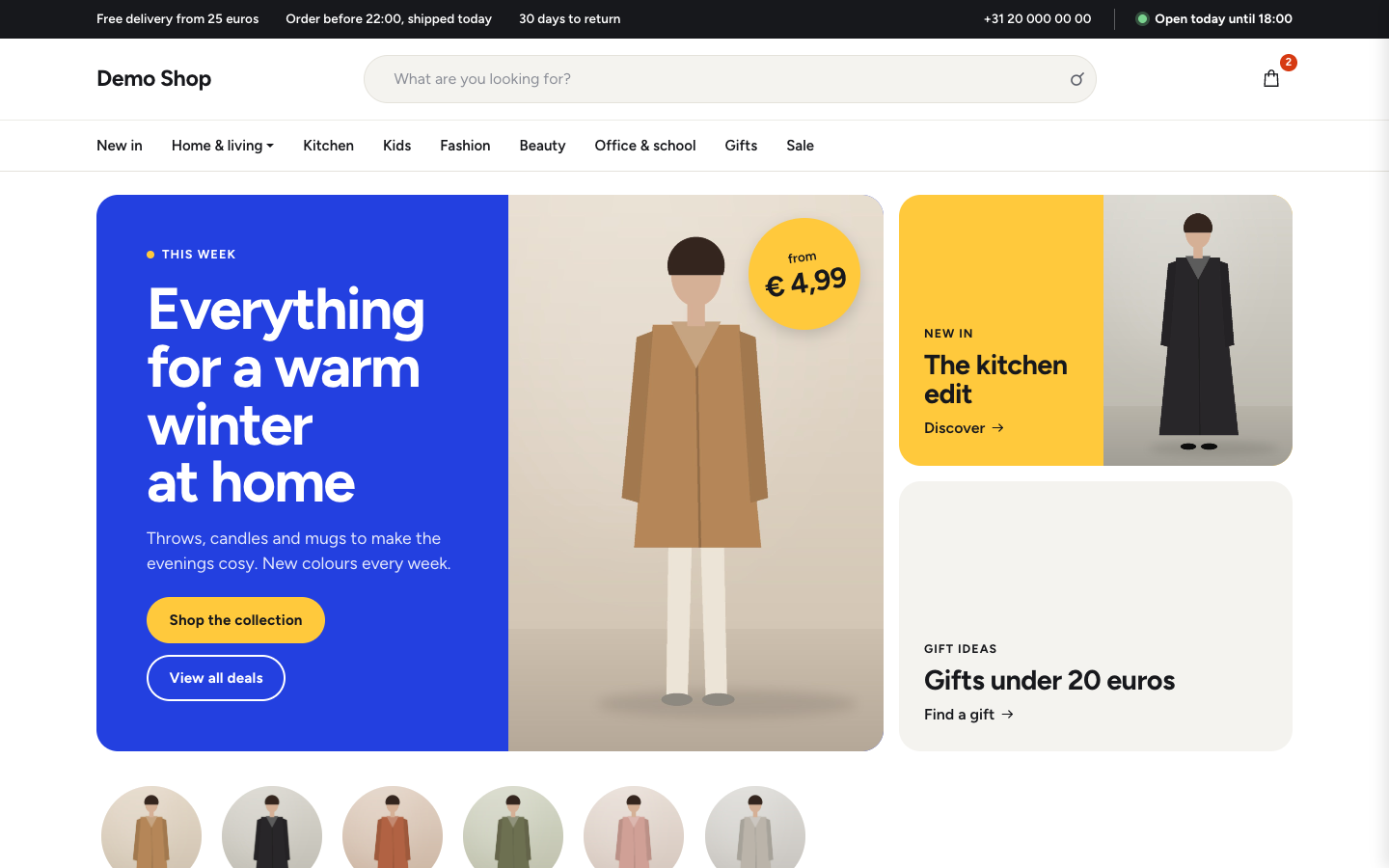
Bright department store theme for web shops with a broad range
-
 Aurora
New
Free
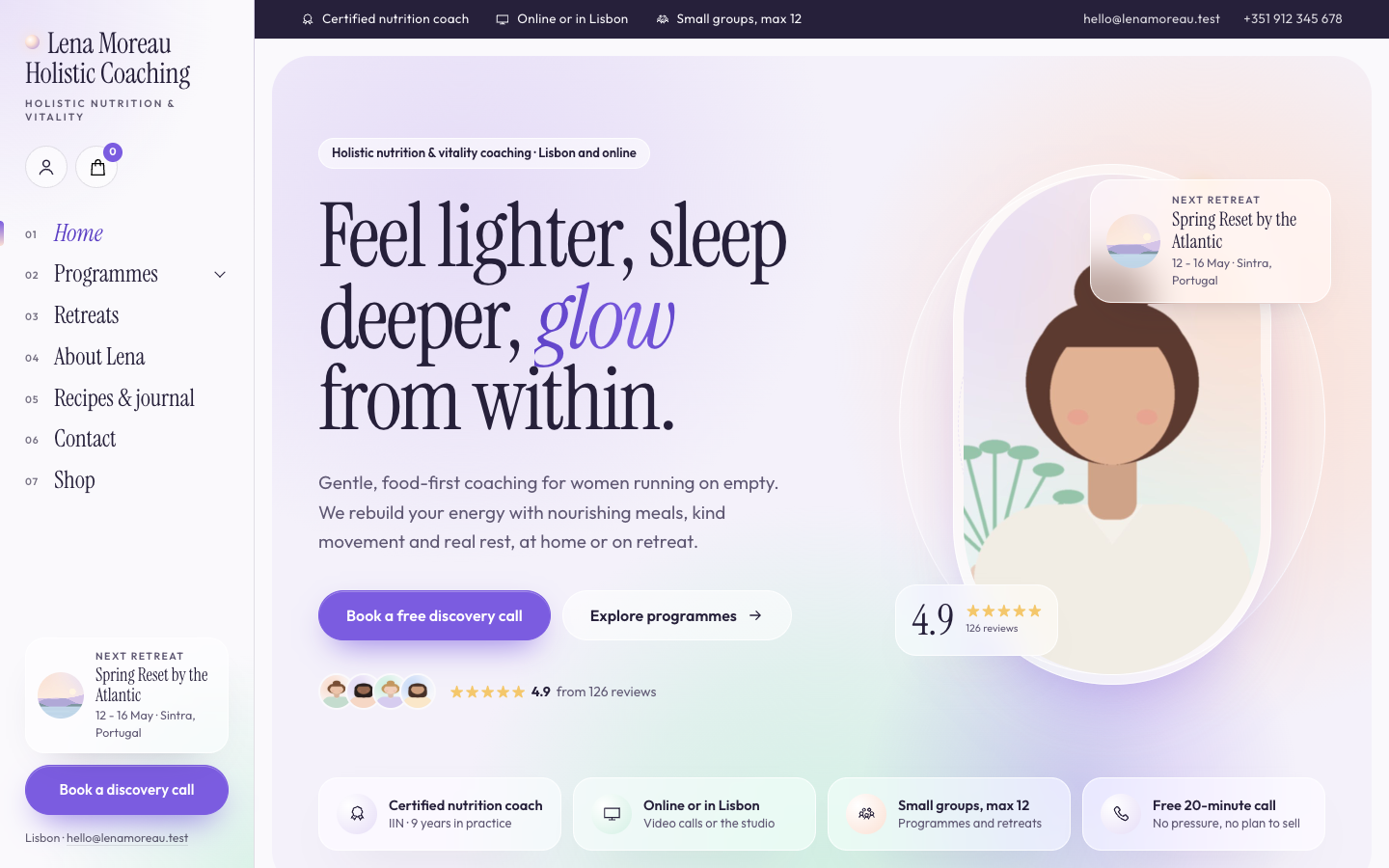
A luminous, dreamy theme for holistic and vitality coaches who host retreats
-
 Bloom
New
Free
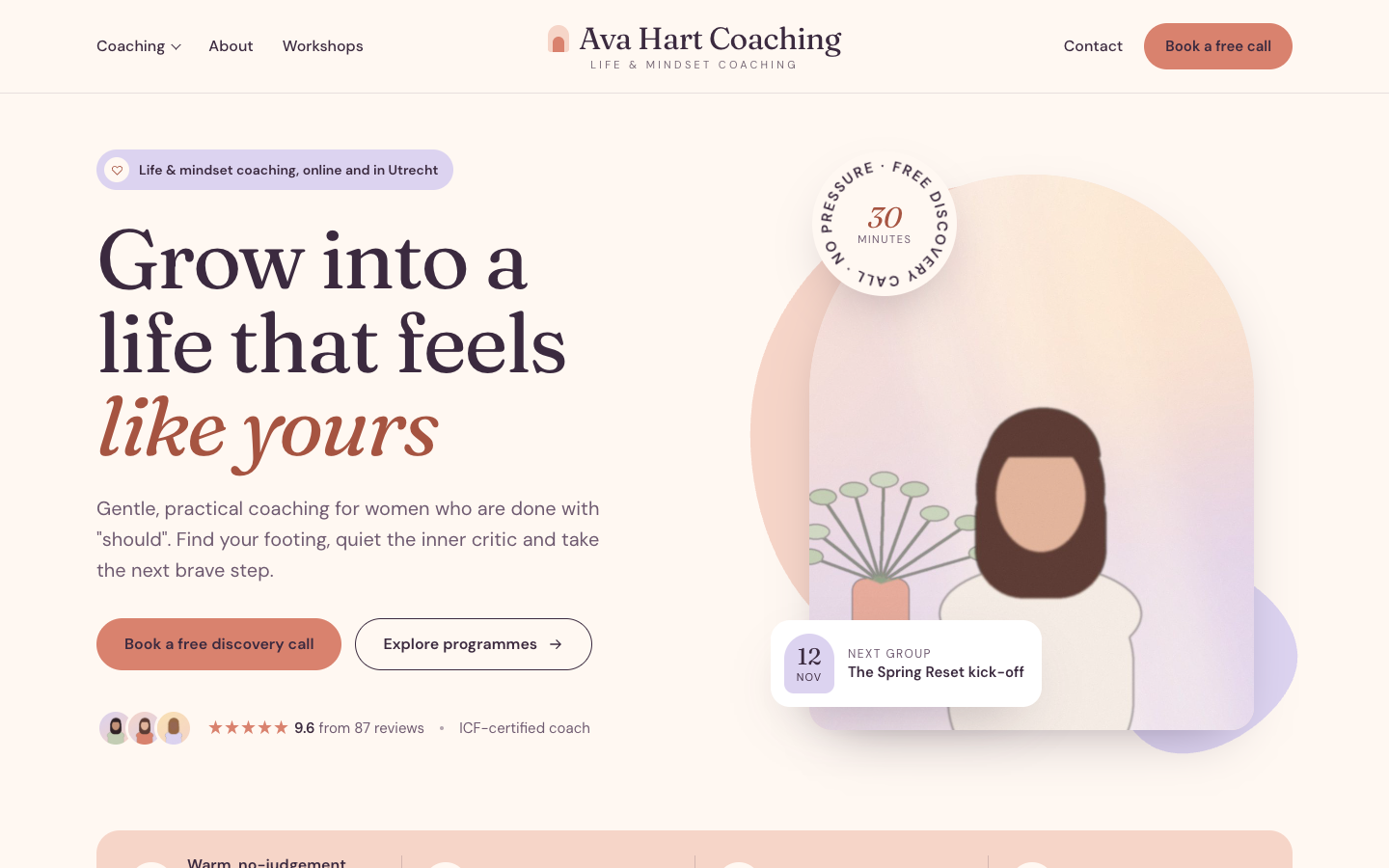
A warm, pastel website theme for life and mindset coaches
-
 Clarity
New
Free
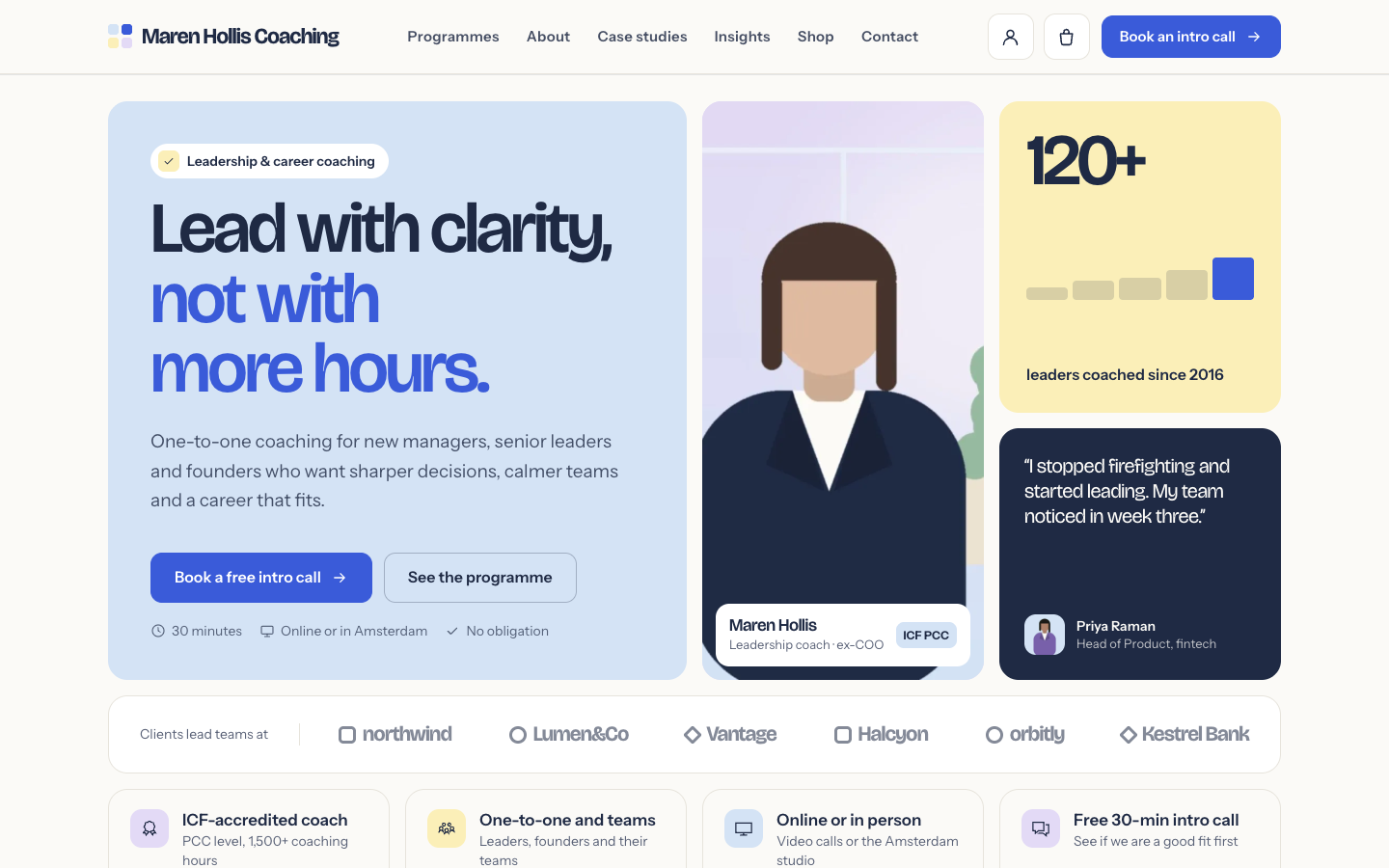
A structured bento theme for career, leadership and business coaches
Pick a theme and launch your site today
Try SitePack free, choose a design and switch whenever you like.