Stillwater Free
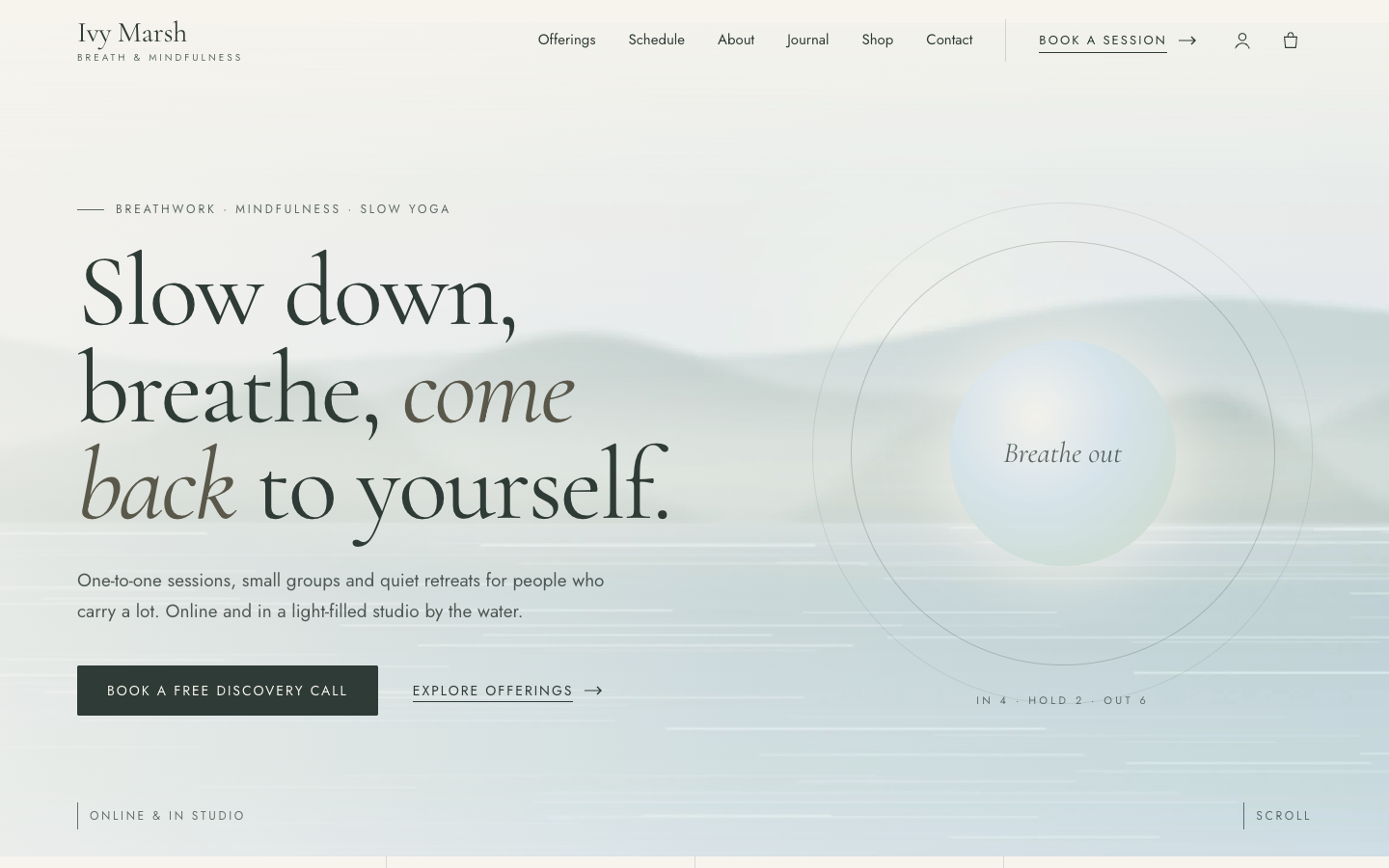
Stillwater gives breath and mindfulness coaches a quiet, airy website with a breathing circle in the hero, a session schedule and an optional online store for courses, audio and vouchers.
About this theme
Stillwater is made for coaches whose work is calm itself: breathwork facilitators, mindfulness teachers, yoga teachers, vitality coaches and practitioners close to therapy. It works for a solo coach online, a small studio with group classes and a retreat organiser alike. The look is soft sand, sage and misty blue, a large serif with an italic second voice, hairline dividers and plenty of white space.
The home page opens with a full-width calm photo, a transparent header and a breathing circle that slowly grows and releases with "Breathe in" and "Breathe out" inside. Below it come your USPs, a short philosophy statement, your offerings as numbered rows with duration and price, upcoming sessions as date tiles, an about section with credentials, client quotes with your review score, a photo band with a call to action, your latest articles, a newsletter sign-up and your studio with opening hours and an open-now line.
Offerings come from the Price list app or from simple fields, sessions from your agenda, quotes from your reviews and the studio from your locations. Every section hides itself when there is nothing to show, so the page always looks finished. Content pages, blog posts and the contact form share the same quiet styling, with underlined form fields and a clear send button.
Selling something as well? Switch on the online store and Stillwater adds account and cart icons to the header, a shop section on the home page and calm product, category and cart pages. It suits session packs, online courses, guided audio, e-books and gift vouchers. Without the store, none of these parts show.
You control every colour, the corner radius, the button shape, the page width, the section spacing and the hero height. You set the order of the home sections yourself, and on phones visitors get a full-screen menu and a slim booking bar after the hero.
Key features
- Breathing circle in the hero A soft orb breathes in and out with a rhythm line beneath it, and rests quietly for visitors who prefer reduced motion.
- Session schedule as date tiles Upcoming classes, workshops and retreats show with a large day number, time, place, an online or in-person marker and a reserve link.
- Offerings as numbered rows Show each service with its duration, format, one line of text and price, from the Price list app or from your own fields.
- Optional online store Turn on the store to sell session packs, courses, audio or vouchers; the cart, account and shop parts appear only then.
- Studio with opening hours Your address, e-mail, phone and this week's hours with today marked and an open-now line, next to a photo with a route link.
- Sections you can reorder Turn home sections on or off and change their order; sections without content hide themselves.
Fully in your own brand
The colours in the examples are only a starting point. In the editor you set your own colours, fonts and logo, and they carry through to every page of the theme.
How to set it up
Stillwater looks calm and complete with just a few texts and photos. These steps make it yours.
- Assign the home template Activate Stillwater and set the Home (Stillwater) template on your home page, then add your hero photo, title and intro.
- Add a booking button Add a booking item such as Book a session to your main menu and show it as a button; it becomes the header call to action and the booking bar on phones.
- Add your services and sessions Install the Price list app or fill in the offering fields, and add your classes, workshops and retreats to the agenda.
- Add your studio and USPs Fill in your location with opening hours and add your USPs, such as certification or a free intro call.
- Set your colours Adjust the sand, sage and misty blue palette, the breathing circle colours and the spacing in the theme settings.
Frequently asked questions
Do I need an online store for Stillwater?
No. Stillwater is a website theme first. The online store is optional; when you switch it on, the cart, account icons, home shop section and product pages appear.
Where does the session schedule come from?
From the events in your agenda. The next upcoming events show as date tiles with time, place and a reserve link. Without upcoming events the section is hidden.
How do I add my services and prices?
Install the Price list app and add your services with duration, price and a short description. Without the app you can fill in up to six offerings in the home template fields.
Can I turn off the breathing animation?
Yes. The breathing circle has an on or off setting and its own colours. Visitors who ask their device for reduced motion see it at rest.
Can I use my own colours and fonts?
Yes. Every colour, the corner radius, the button shape, the page width and the section spacing are settings, and you pick the heading and body fonts. The theme is drawn for Cormorant Garamond headings.
Does Stillwater work on phones?
Yes. Phones get a compact header with a full-screen menu, stacked sections and a slim booking bar that appears after the hero.
-
 Clarity
New
Free
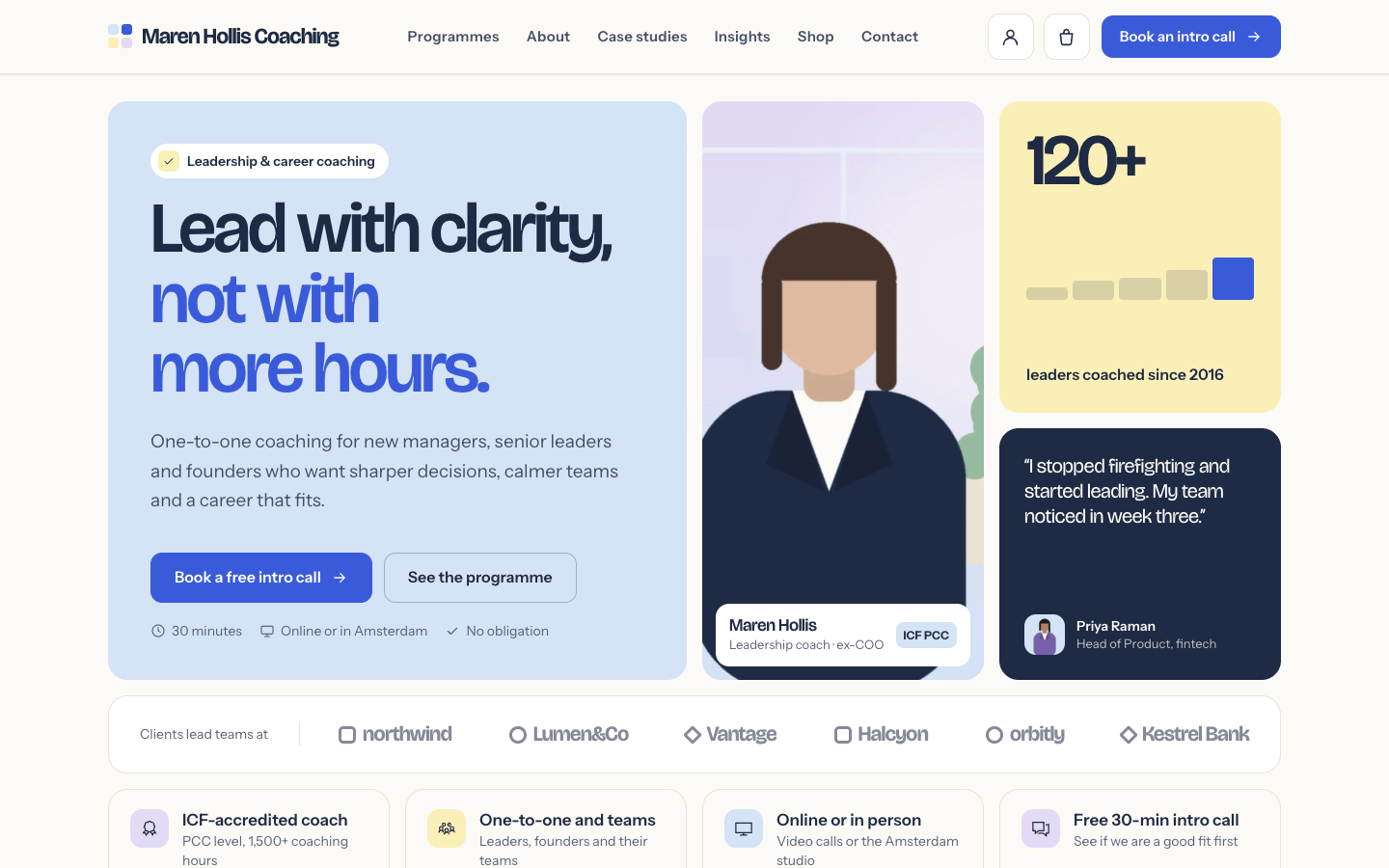
A structured bento theme for career, leadership and business coaches
Clarity
New
Free
A structured bento theme for career, leadership and business coaches
-
 Freewheel
New
Free
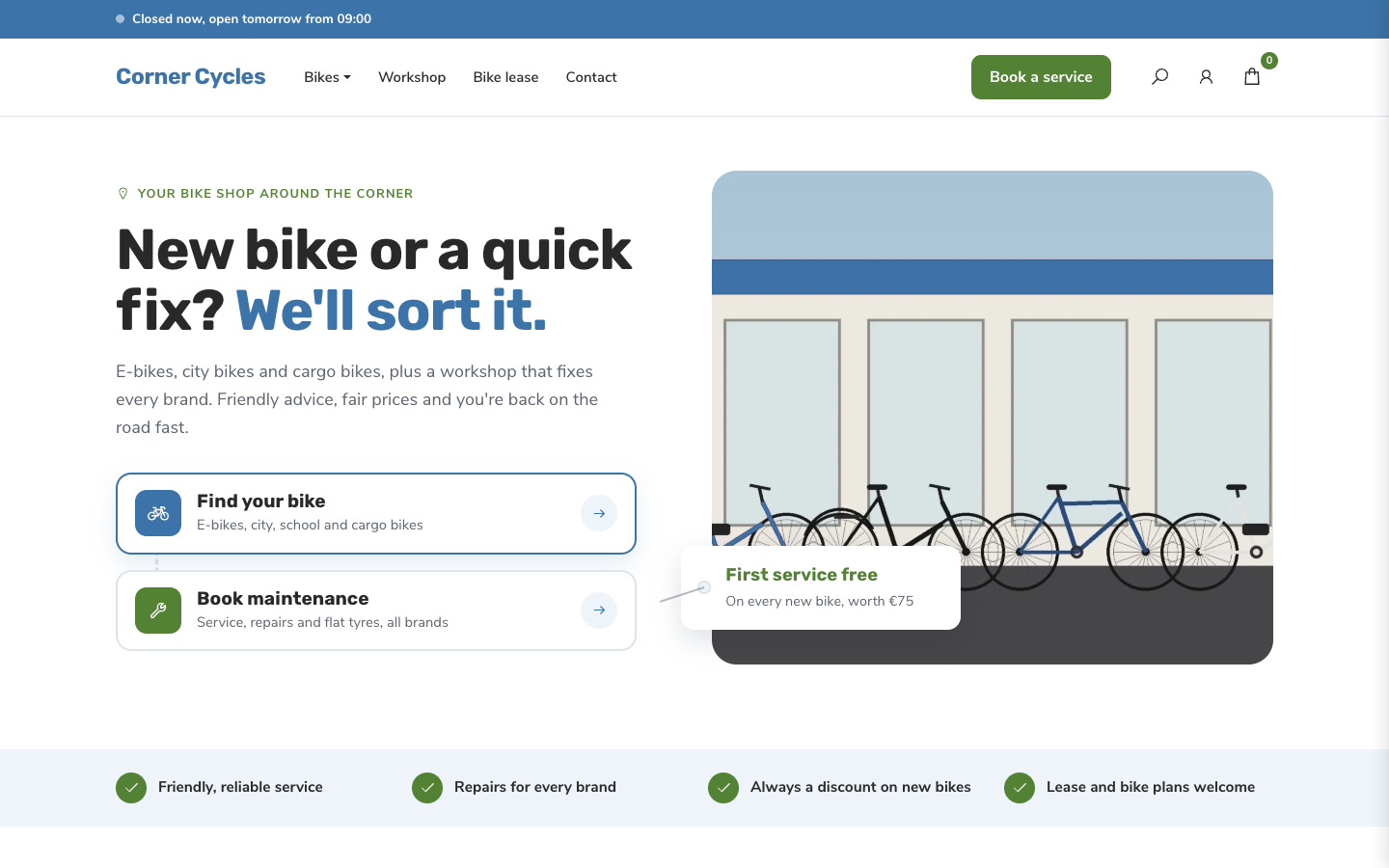
A friendly, service-first theme for local bike shops and dealers
Freewheel
New
Free
A friendly, service-first theme for local bike shops and dealers
-
 Gearbox
New
Free
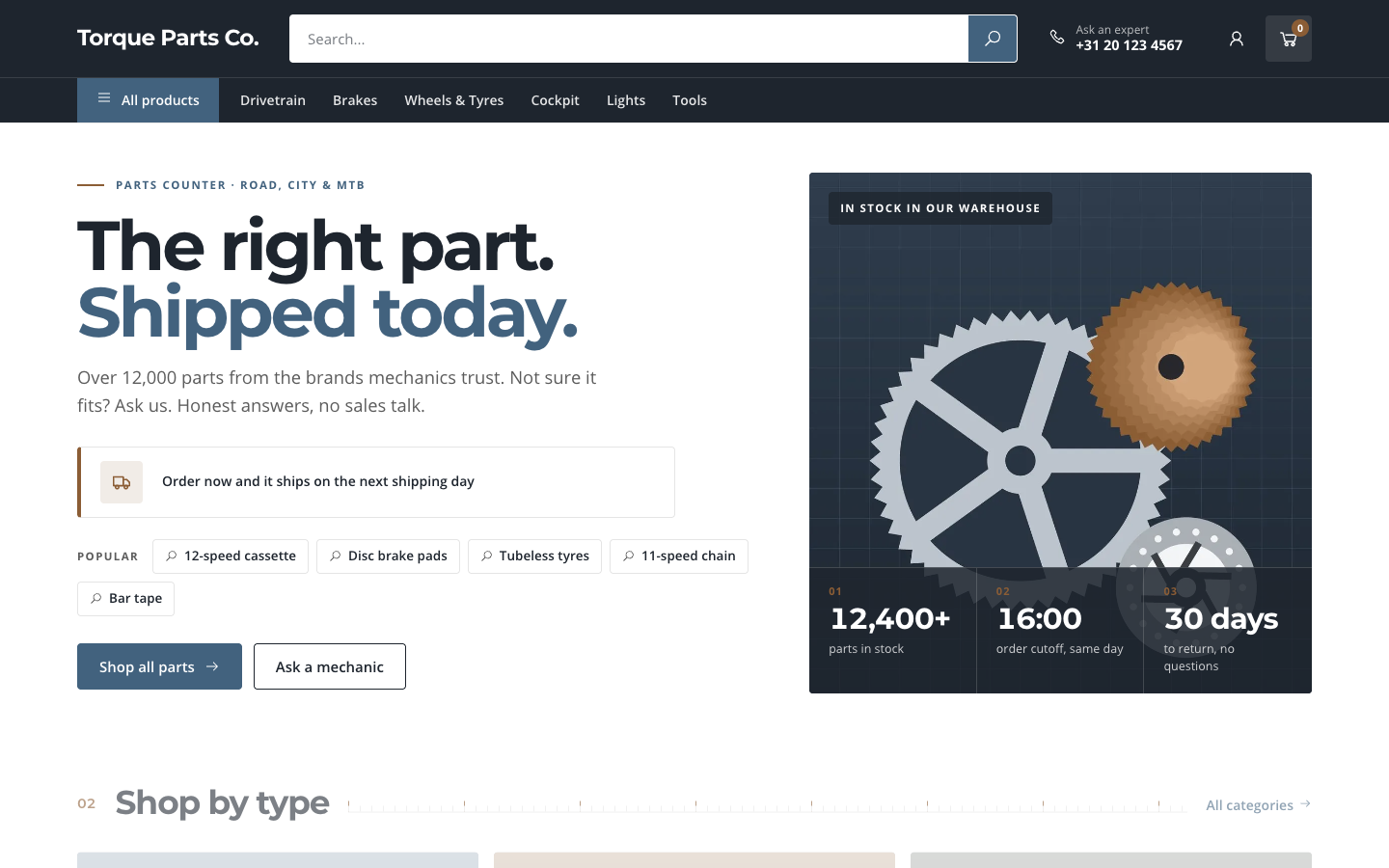
A search-first catalogue theme for parts and spares web shops
Gearbox
New
Free
A search-first catalogue theme for parts and spares web shops
-
 Kickstand
New
Free
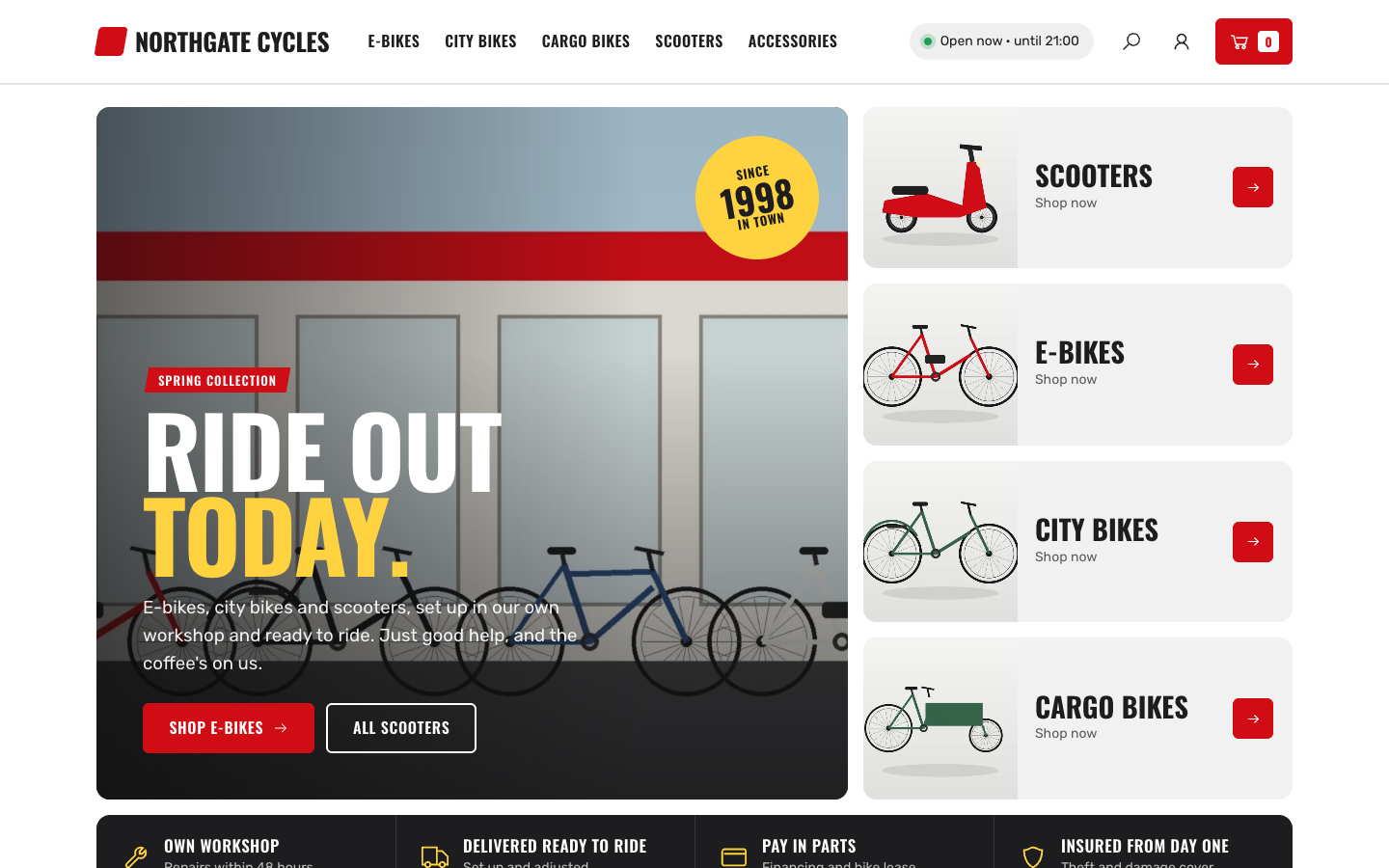
Bold showroom theme for bike, e-bike and scooter shops with a workshop
Kickstand
New
Free
Bold showroom theme for bike, e-bike and scooter shops with a workshop
Pick a theme and launch your site today
Try SitePack free, choose a design and switch whenever you like.