Wheelhouse Free
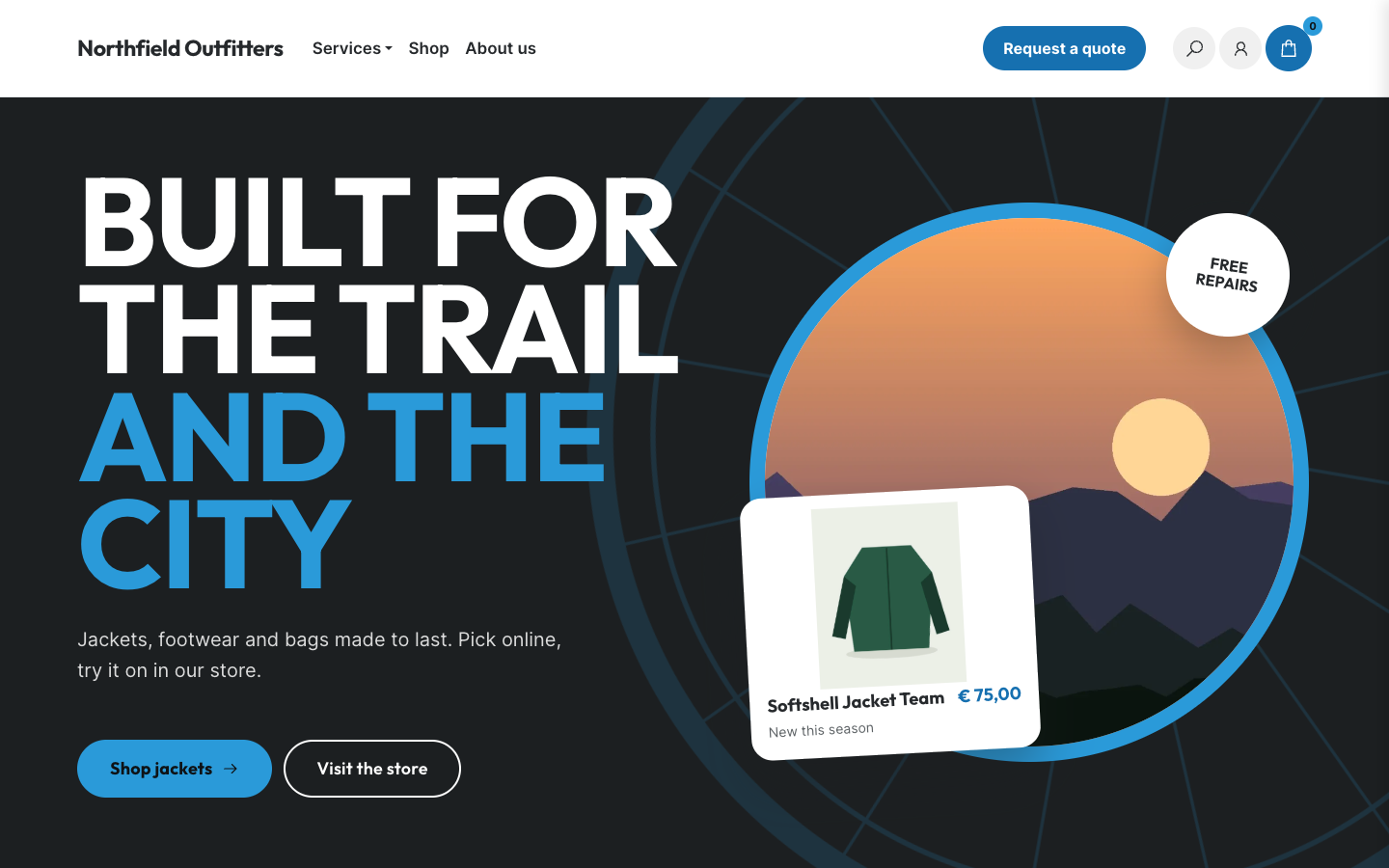
Wheelhouse gives a bike shop with a showroom and a workshop a confident, sporty web shop: huge uppercase titles, a dark hero with a turning spoked wheel and tall colour tiles for your categories. Every text, photo and colour is yours to set.
About this theme
Wheelhouse is made for bike shops and other specialist retailers that sell online but also run a showroom and a workshop. It has a bold, sporty look: very large uppercase display titles with a highlighted ending, pill buttons, big rounded corners and a spoked wheel that turns slowly behind the hero.
The home page opens with a dark hero: your title, two buttons, a round photo in an accent ring with a product card tilted over it, and an optional round stamp such as "Official dealer". Below it come a full-width strip with your brand names or logos, tall colour tiles for your categories, one large featured product next to your newest or most popular ones, a service section with up to six services and their price, your selling points, a full-width story photo, your store with address, this week's opening hours and contact details, a second product row for deals, events, reviews, blog posts and a newsletter sign-up. You choose the order, and any section can be hidden.
The header shows a live opening status ("Open today until 17:30") from your location's opening hours, and a menu item you mark as a button, such as "Book a service", becomes a pill button in the header and a full-width bar on phones. Category pages open with a tinted band with the category name, its description and the sub-categories as chips, followed by filters, sorting and a help card with your phone number. Product pages show a gallery on a tinted stage, options and variants, an advice block, your product sections as accordions, specifications and a band that invites visitors to your store.
Everything the theme shows comes from your own SitePack data: categories, products, selling points, locations, events, reviews, blog posts and newsletter. All home page texts and photos are fields in the template editor, and every colour, corner radius, logo size and the page width is a setting, so Wheelhouse follows your brand.
Key features
- Bold, sporty look Very large uppercase titles, a turning spoked wheel and tall colour tiles make your shop stand out.
- Every text and photo editable All home page texts, photos, buttons and brand logos are fields in the template editor, no code needed.
- Service section with prices List up to six services, such as a full service or an e-bike check, with a detail or price next to each.
- Live opening status The header and store section show whether you are open now, straight from your location's opening hours.
- Product sections as accordions Delivery, warranty, test rides or lease information appear on every product page from your own product sections.
- Every colour is yours All colours, the four tile colours, corner radius, logo size and page width are settings that match your brand.
Fully in your own brand
The colours in the examples are only a starting point. In the editor you set your own colours, fonts and logo, and they carry through to every page of the theme.
How to set it up
Wheelhouse works with the data you already keep in SitePack. These steps make the home page complete.
- Assign the home template Open the home page, choose the Home (Wheelhouse) template and save.
- Fill in the hero Write your title and intro, link the two buttons and upload a photo for the round frame.
- Add brands and services List the brands you sell or upload their logos, and add up to six services with a detail or price.
- Add your store location Fill in your address, phone number and opening hours under Settings > Locations; the store section and opening status use them.
- Set your colours Pick your brand, accent and tile colours in the theme settings so the shop matches your logo.
Frequently asked questions
Can I change the order of the home page sections?
Yes. The home page template has a section order field: list the sections in the order you want and leave out the ones you want to hide. Sections without content, such as events or reviews, hide themselves.
Can I use Wheelhouse for something other than bikes?
Yes. The theme ships without any shop name, brand list or photos. All texts and photos come from the template editor and your SitePack data, so it also works for a scooter dealer, an outdoor shop or any specialist retailer with a showroom.
Where does the opening status in the header come from?
From the opening hours of your first location under Settings > Locations. The status is worked out in the visitor's browser, so it is always current.
How do I show brand logos instead of names?
Upload up to six logos in the brand logo fields of the home page template. Without logos the strip shows the brand names you list in large type.
What is shown in the hero when I have no photo yet?
The round frame then shows one of your popular products, so the hero never looks empty. You can also choose which product card appears over the photo: popular, newest, on sale or none.
-
 Aisle
New
Free
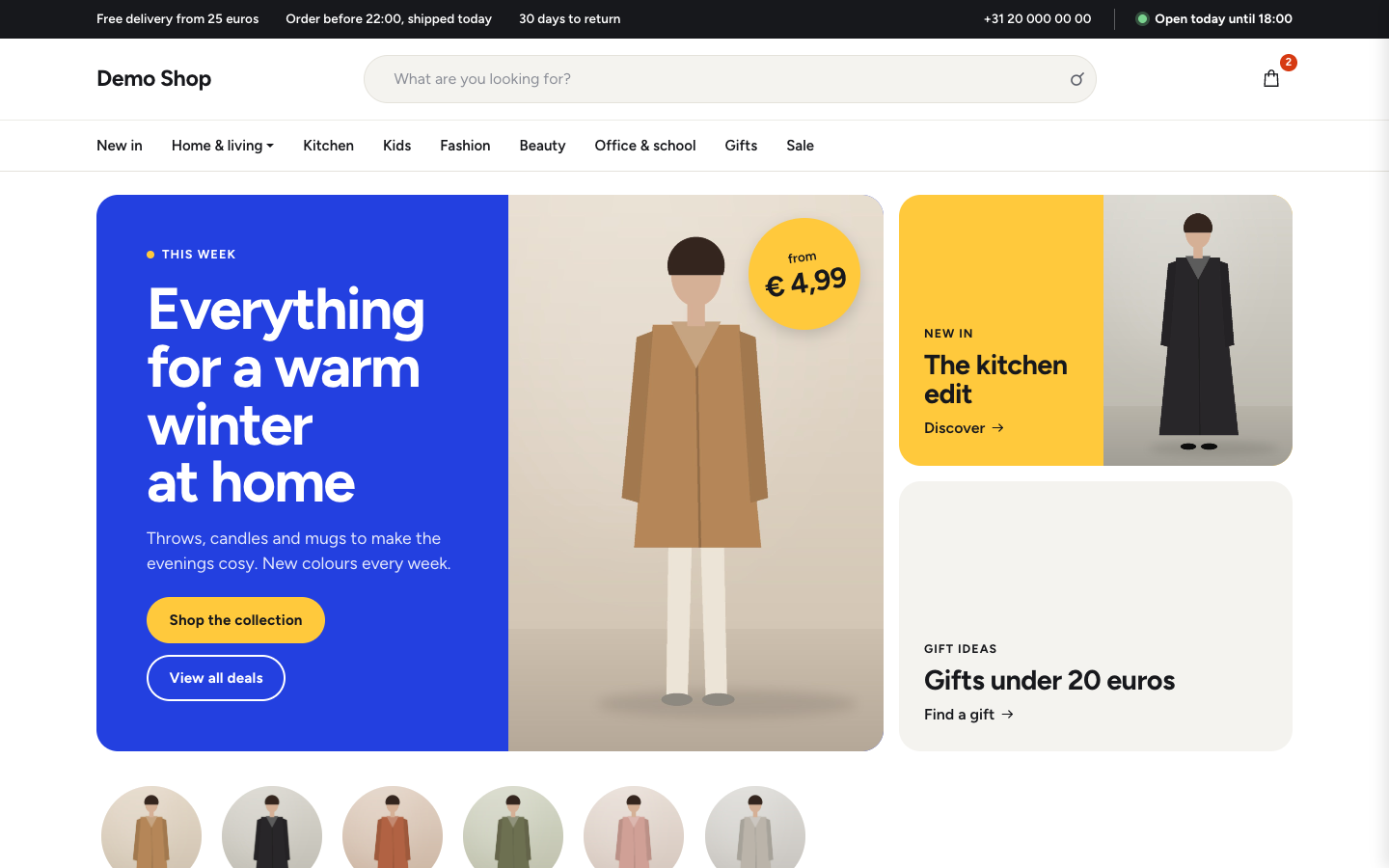
Bright department store theme for web shops with a broad range
-
 Ample
New
Free
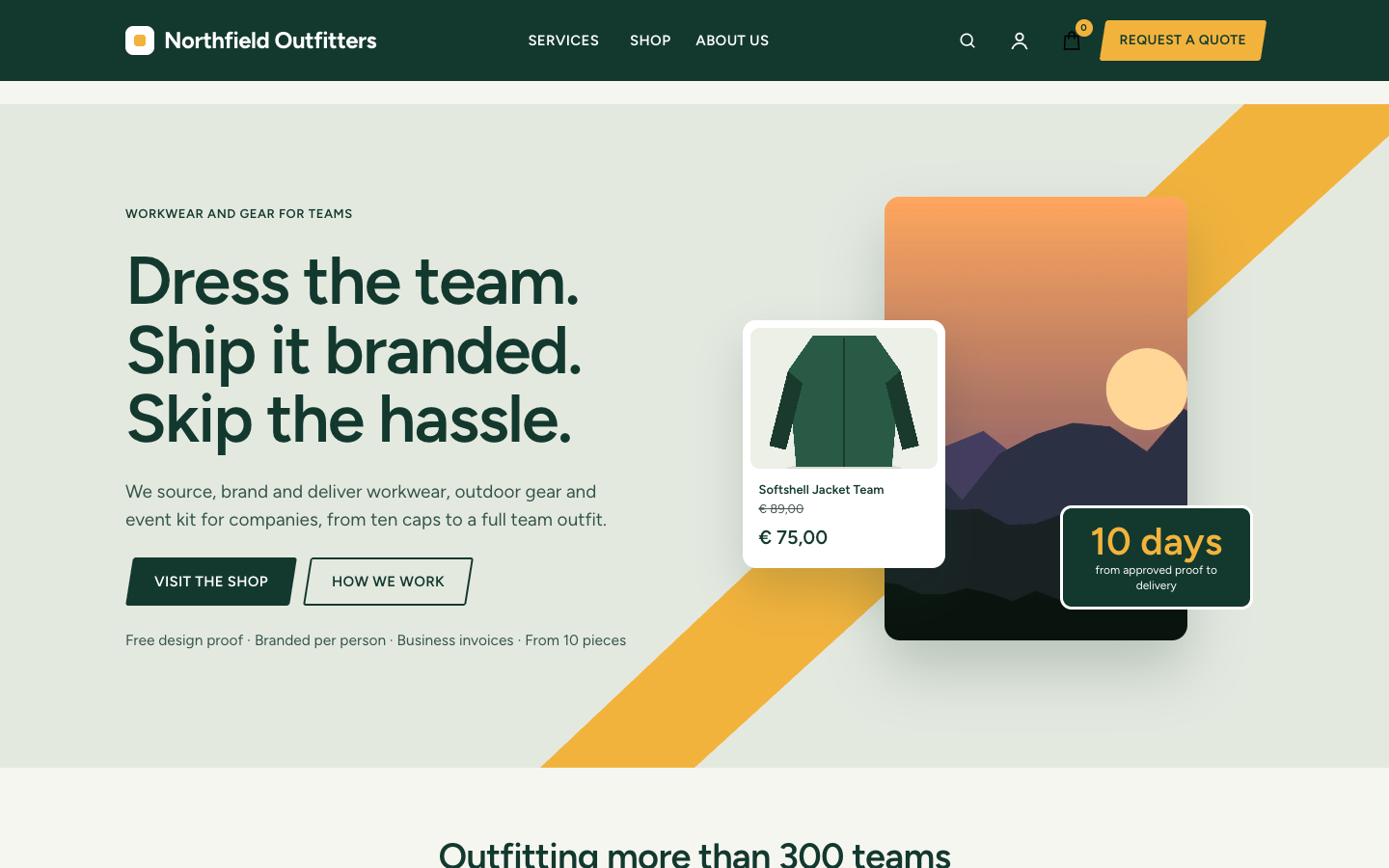
A business theme that runs your company site and your web shop in one
-
 Aurora
New
Free
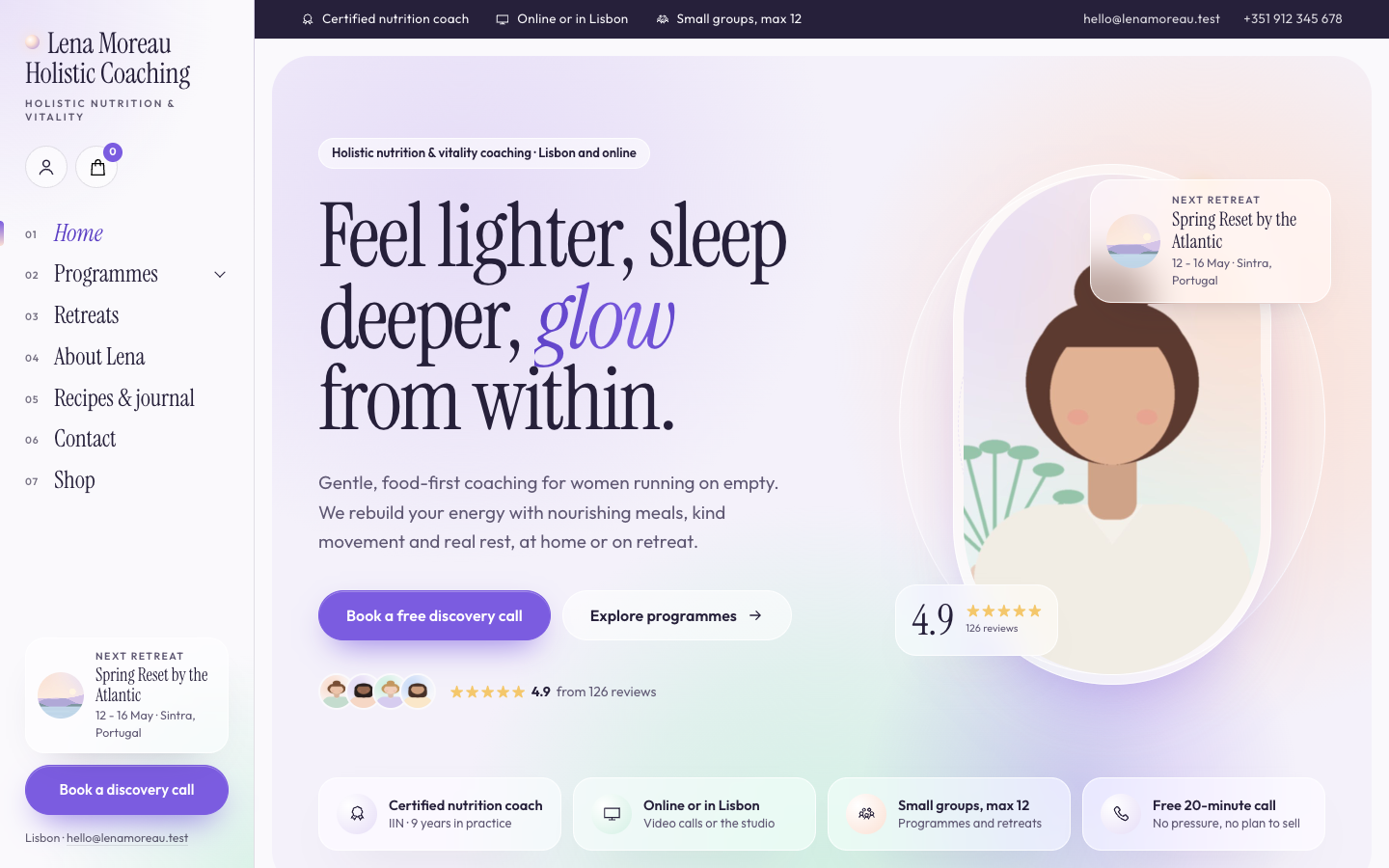
A luminous, dreamy theme for holistic and vitality coaches who host retreats
-
 Bloom
New
Free
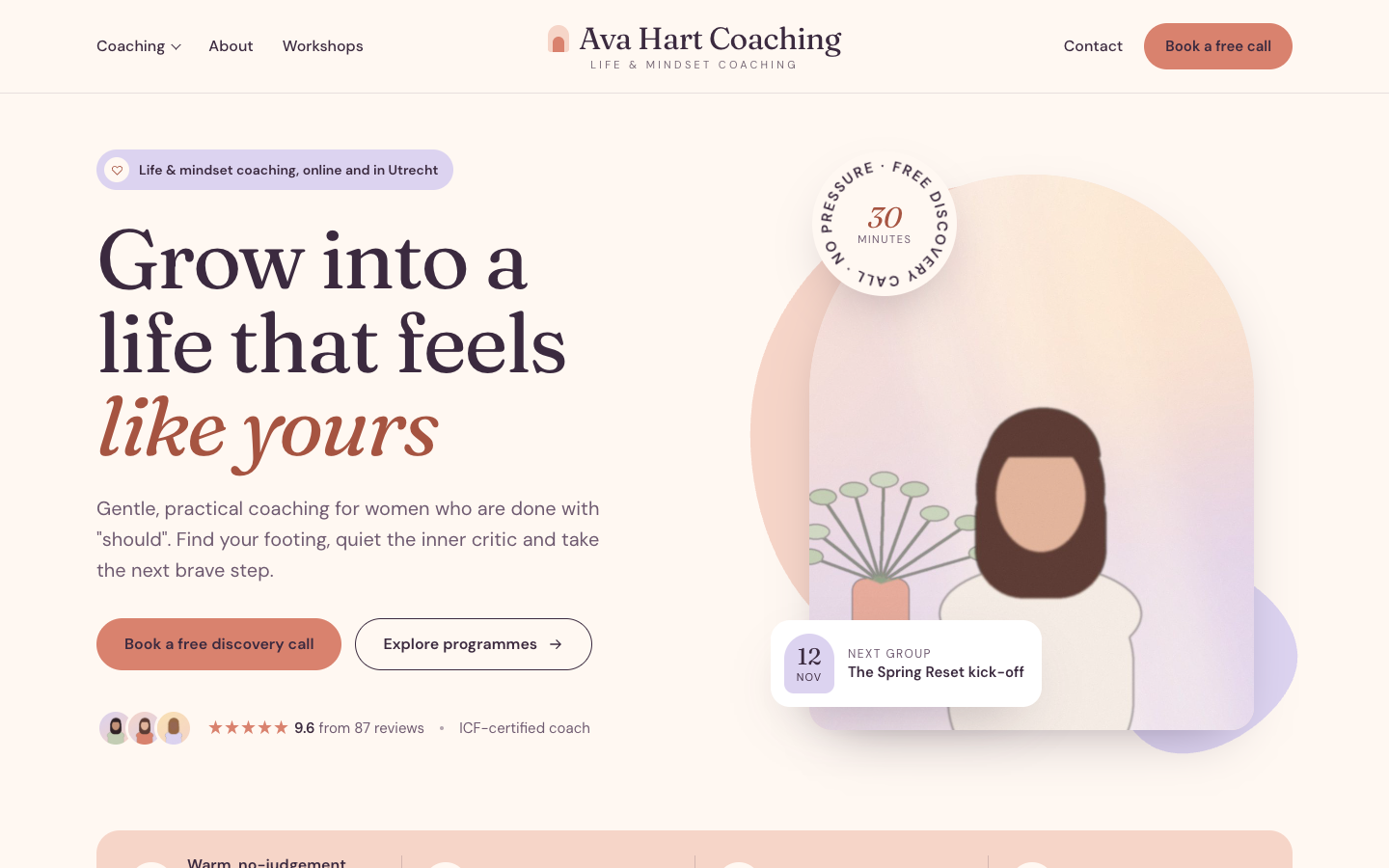
A warm, pastel website theme for life and mindset coaches
Pick a theme and launch your site today
Try SitePack free, choose a design and switch whenever you like.