Roller Free
Roller is a bright, tile-based theme for the painter who runs the business alone. It speaks in your own voice, shows your face and your next free week, and turns visitors into quote requests.
About this theme
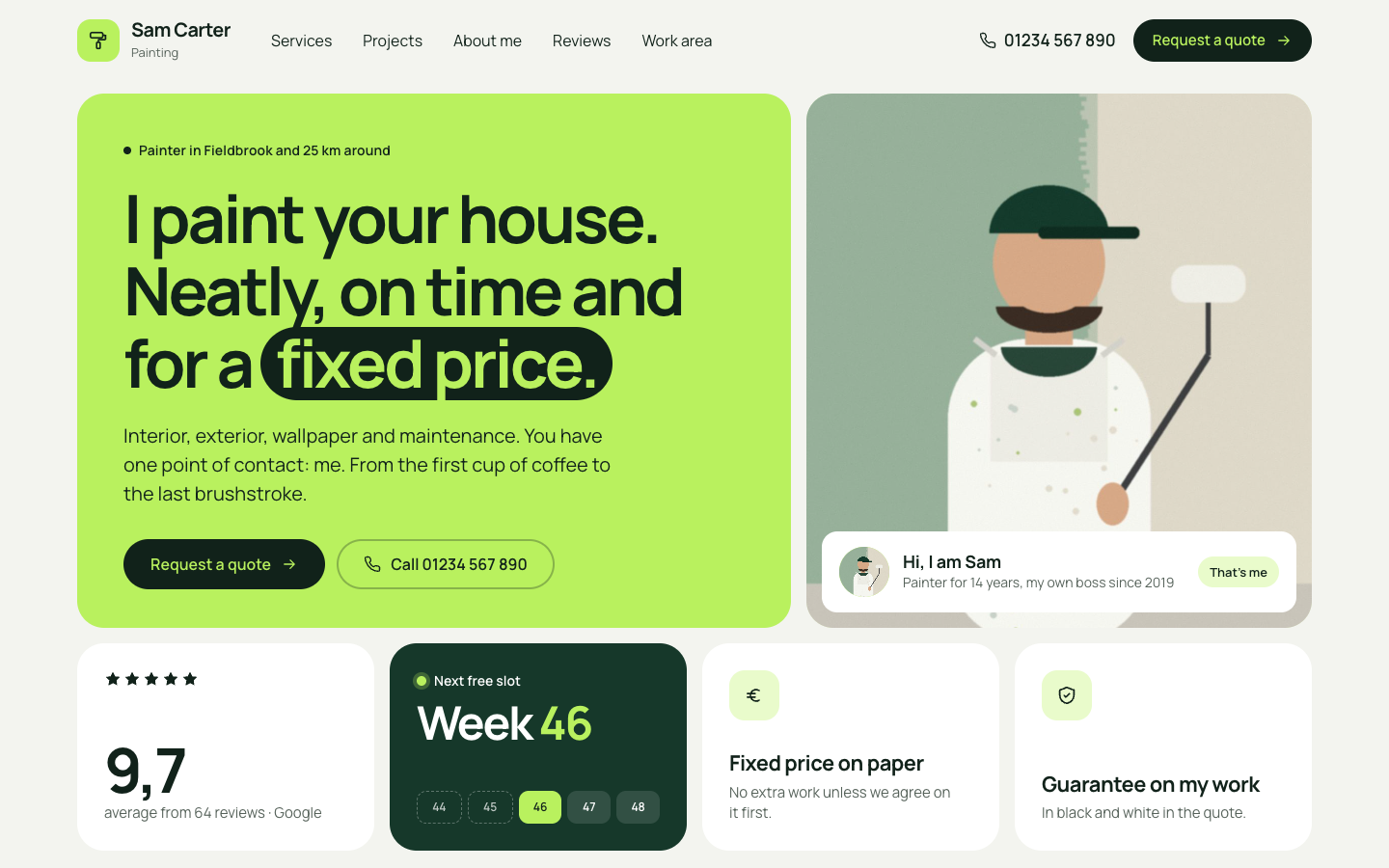
Roller is made for the one-person painting business: the sole trader who does interior and exterior painting, wallpapering and maintenance, sometimes with one helper. It does not pretend to be a company. The site talks in the first person, puts your portrait and first name up front and has one job: getting the quote request, then proving the work, then building trust in you as the person who shows up.
The look is flat and confident, like an app: a grid of rounded tiles on a light grey-green ground, one strong lime colour in big blocks, deep forest green for dark tiles and ink-black pill buttons. One or two words of every big heading sit on a flat roller stroke, the only decoration in the theme, and the same stroke fills up as the progress bar on the quote form.
The home page opens with a bento hero: a large lime tile with your headline and quote button, your portrait with a "Hi, I am..." name card, your review score, two promise tiles and an availability tile that shows your next free week on a five-week strip. Below come four service tiles with tags, your recent work, an About me section with a photo of you at work and three reasons to hire a sole trader, a dark reviews block, your work area with places, distances, a map and a postcode check, and a closing quote block with a quick form. You choose the order, and every section can be hidden.
Your finished jobs come from the free Portfolio app, which is installed together with the theme. Each project card shows the after photo full size with the before photo as a small inset in the corner, like a phone camera: tap it and the two swap. The projects page filters by kind of work, and every project page has fact tiles, a large before and after view with a switch, your story, a client quote, a gallery and a button to request the same kind of work.
The quote page splits the request into three short steps (what, where and when, who) in one card, with your own card, your promises and your next free week beside it. Requests reach your inbox and are stored as leads. One text setting holds your next free week and feeds the header, the hero and the quote page; leave it empty and all three hide. Every colour, the corner radius, the page width and the section spacing are settings.
Key features
- Bento hero with your face A lime headline tile, your portrait with a name card, your review score and two promise tiles: personal and clear at a glance.
- Next free week in one setting Type your next free week once and it appears in the header, the hero tile and next to the quote form. Leave it empty to hide it.
- Before and after as a phone inset The after photo fills each project card and the before photo sits in the corner; one tap swaps them. Works with plain phone photos.
- Three-step quote form What, where and when, and who, with a progress bar in the roller stroke. Requests are emailed to you and stored as leads.
- Work area with postcode check Show the places you cover with distances and a map, and let visitors check their postcode against your area in one go.
- Every colour is yours All colours, the corner radius, page width and section spacing are settings, so the lime look can become your own colour.
Fully in your own brand
The colours in the examples are only a starting point. In the editor you set your own colours, fonts and logo, and they carry through to every page of the theme.
How to set it up
Roller works with the data you already keep in SitePack. These steps fill the home page, connect the quote button and show your first projects.
- Assign the home template Open the home page, choose the Home (Roller) template, add your portrait, first name, headline and the About me photo and text, then save.
- Create the quote page Create a page, choose the Quote request (Roller) template and add your name and photo for the side card.
- Add the quote button Add a menu item to the quote page as the last item and set it to display as a button. Every quote button on the site follows it.
- Add your projects Open the Portfolio app and add a few finished jobs with a cover photo, a kind of work and a place, plus before and after photos where you have them.
- Set your details Fill in your next free week in the theme settings, add your location with phone number, and list the places you cover in the home template.
Frequently asked questions
Do I need to install anything for the projects pages?
No. The free Portfolio app is installed automatically when you activate Roller. Add your projects in the app with a cover photo and, if you have them, a before and an after photo. Without projects the recent work section simply stays hidden.
Is Roller suitable if I work with a team?
Roller is written for one person: the texts say "I" and "me" and the home page is built around your portrait and name. With one helper it fits well. For a company with a team, a theme that speaks as "we" is a better match.
How does the availability week work?
Fill in your next free week in the theme settings, for example 46. It shows in the header pill, the hero tile and the quote page. Change it whenever your planning moves, or leave it empty to hide all three.
Where do quote requests go?
Requests from the quote page and the quick form on the home page are emailed to you and saved as leads in SitePack. The quote button everywhere on the site follows the menu item you show as a button.
What if I have no before photo for a project?
Then the card and the project page show the after photo or cover on its own, without the corner inset. Before and after only appears when a project has both photos.
Which fonts does Roller use?
You pick the fonts in your design settings. Roller is designed for Manrope in both headings and body text, with tight, heavy headlines.
-
 Aisle
New
Free
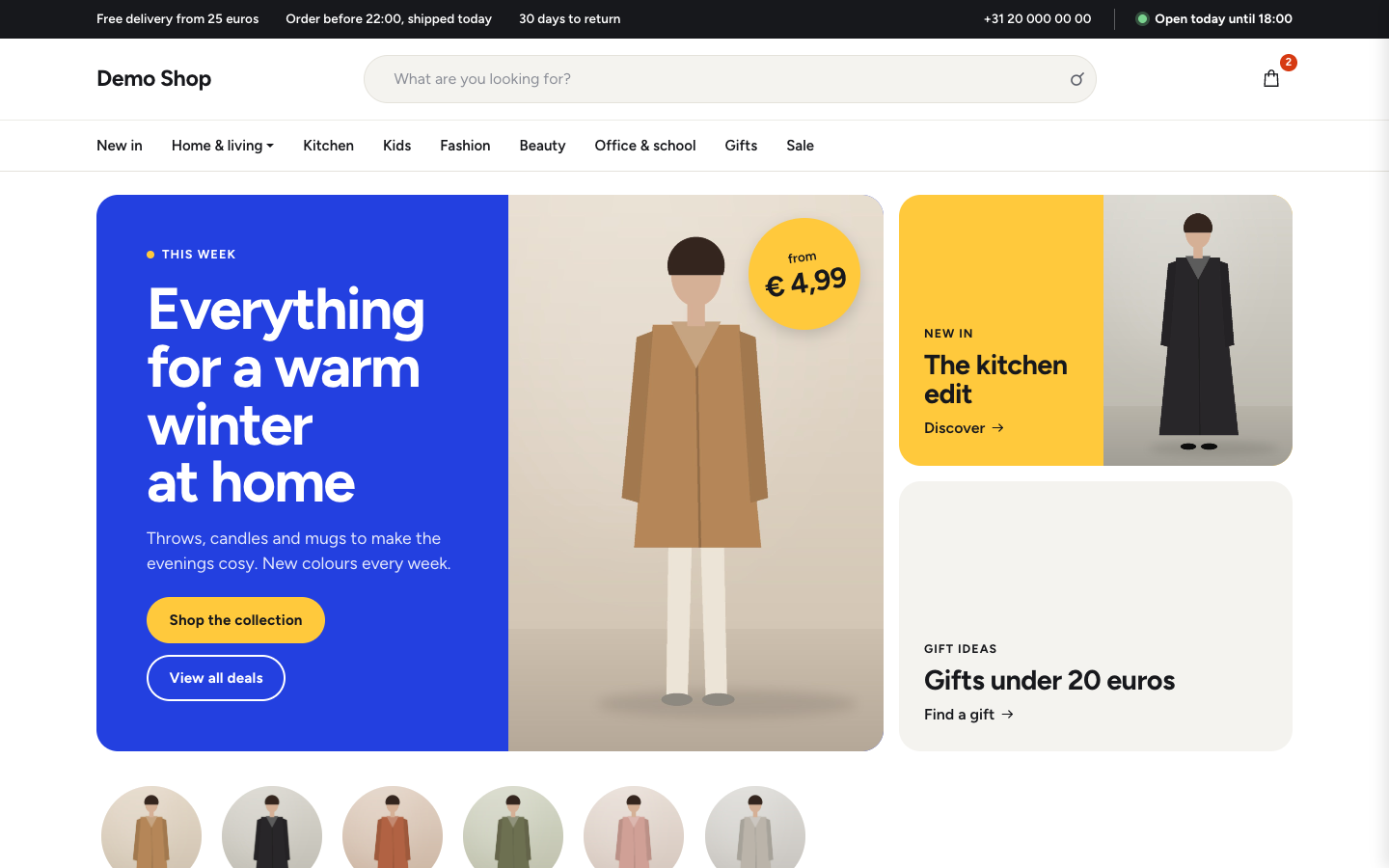
Bright department store theme for web shops with a broad range
-
 Aurora
New
Free
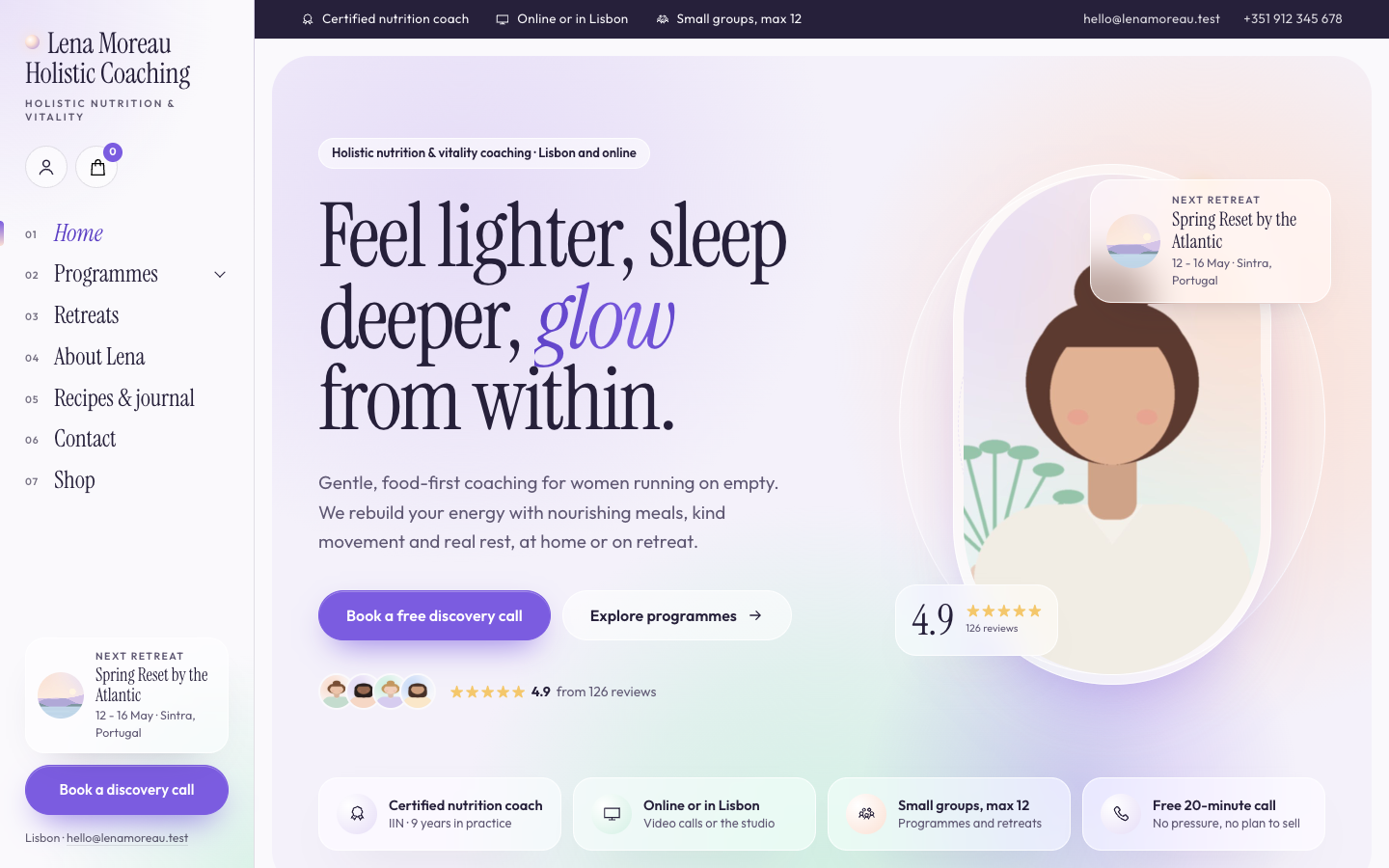
A luminous, dreamy theme for holistic and vitality coaches who host retreats
-
 Bloom
New
Free
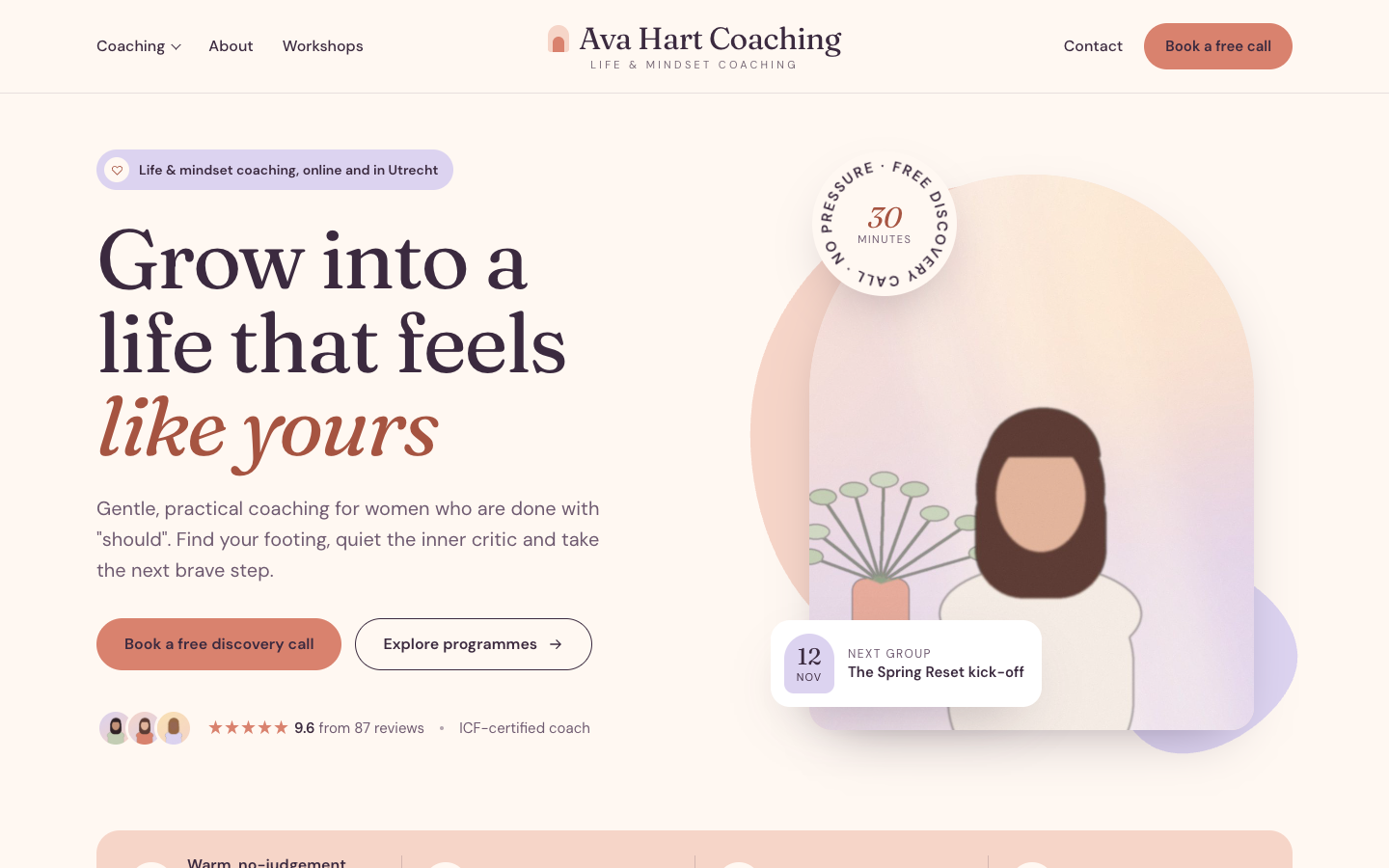
A warm, pastel website theme for life and mindset coaches
-
 Clarity
New
Free
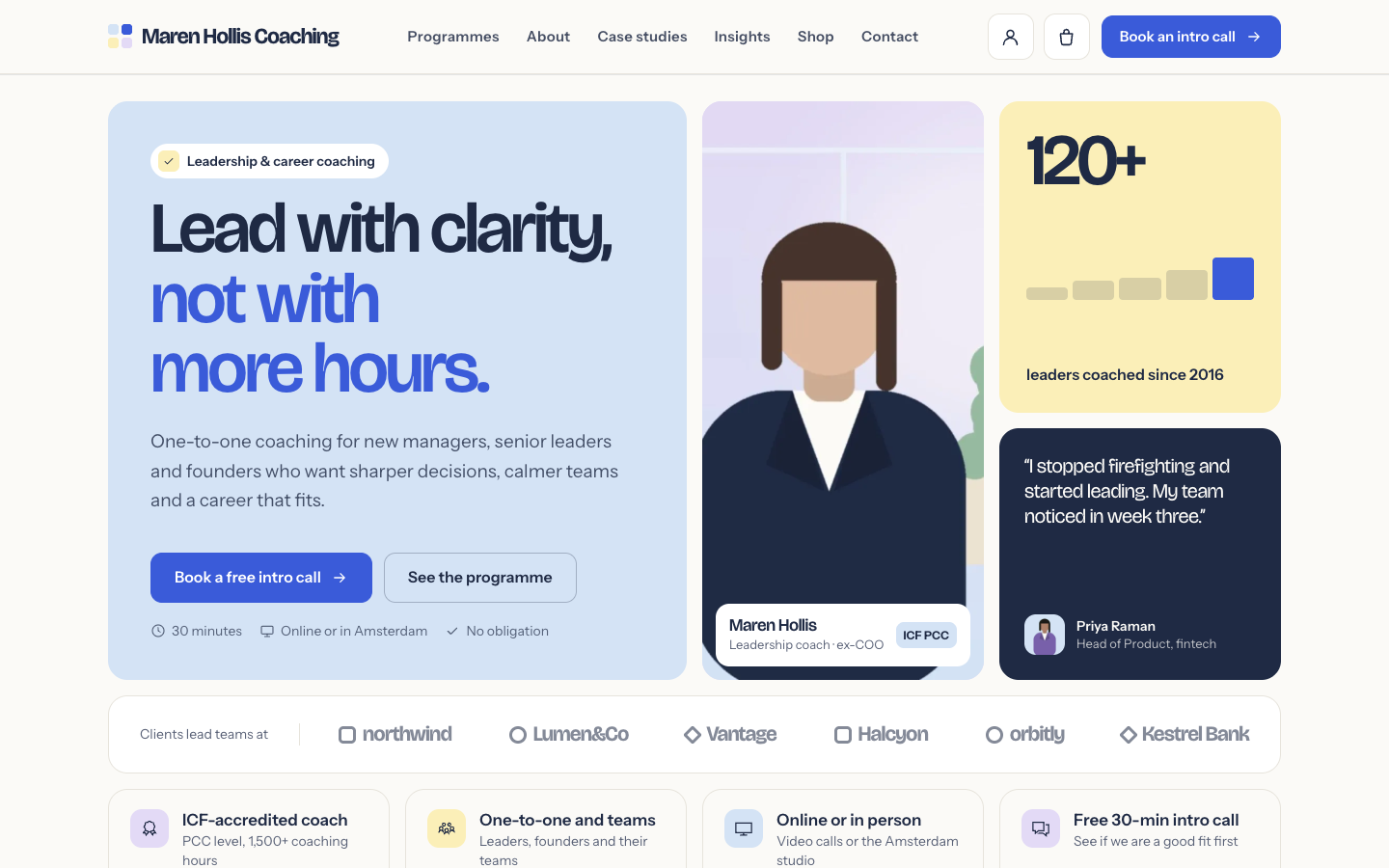
A structured bento theme for career, leadership and business coaches
Pick a theme and launch your site today
Try SitePack free, choose a design and switch whenever you like.